


We’ve all got one. That old tablet sitting in a drawer, gathering dust. It feels like a waste to just leave it there, but what are you supposed to do with it?
Turns out, you have three great options: you can either give it a new lease of life (repurpose it), make a bit of cash from it (sell it), or make sure it's disposed of properly (recycle it).
Your Old Tablet Has Untapped Potential
Instead of thinking of it as clutter, see that old device as an opportunity. It doesn't matter if it's in perfect working order or has seen better days. There's always a smart way forward that keeps your data safe and keeps harmful electronics out of landfills.
Each choice has its perks, whether you're getting creative, pocketing some extra money, or just doing the right thing for the planet.
This decision tree gives you a great starting point for figuring out what to do.
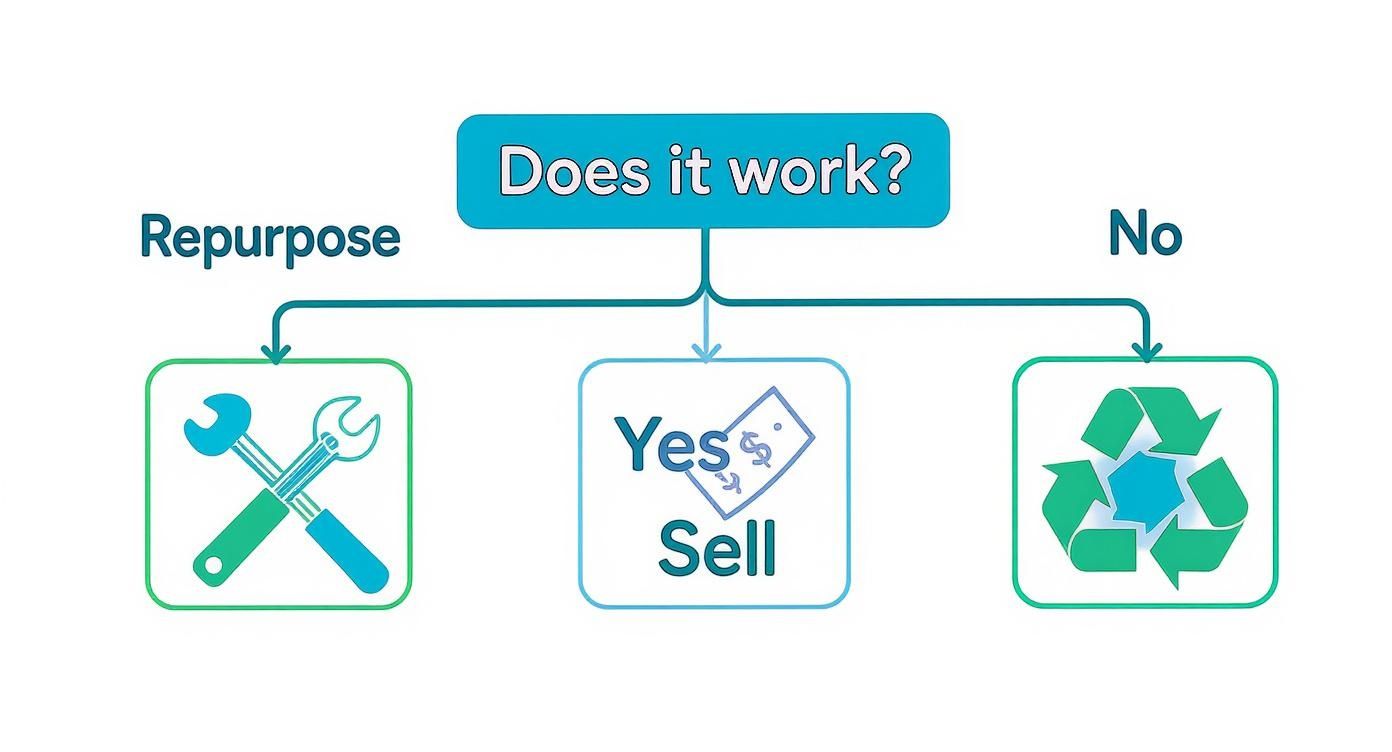
The main takeaway is simple: if the tablet still switches on, it has value. You can either put that value to work for yourself or trade it in for cash.
To make things even clearer, here’s a quick breakdown of your main choices.
Your Three Main Options for an Old Tablet
This table gives you a quick overview of the best choices for your old tablet, from giving it a new job to responsible disposal.
No matter which path you choose, the first step is always the most important: deciding what your goal is. Let's dig into the practical steps for each option.
Give Your Old Tablet a New Purpose
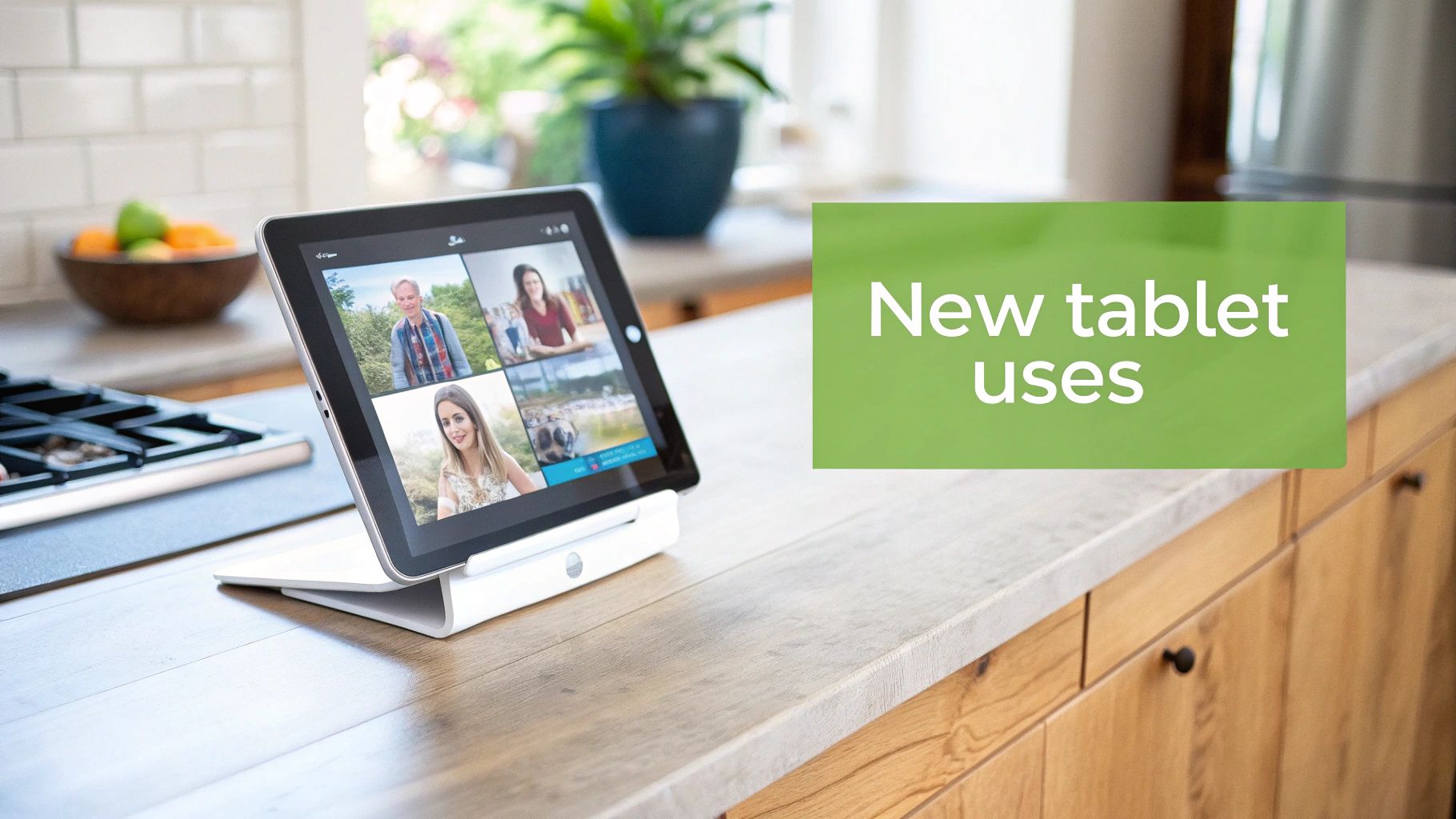
Before you decide to get rid of your old tablet, have a think about giving it a second life. A device that feels sluggish and can't handle the newest apps might still be perfect for a single, focused job around the house. It's a great way to save a bit of money and, just as importantly, keep another piece of tech out of the landfill.
Your old tablet doesn't have to gather dust in a drawer. With a little imagination, it can become a surprisingly useful bit of kit, solving a small problem without you having to splash out on a new gadget.
Turn It Into a Single-Purpose Gadget
The trick is to give your tablet one job and one job only. This stops its ageing processor from getting bogged down. By letting it focus all its power on a simple task, even a device from years ago can perform beautifully.
Here are a few popular ideas to get you started:
- Digital Photo Frame: Pop a slideshow app on it, load up your favourite family photos, and stick it on a bookshelf. It brings your memories to life in a way a static picture frame never could.
- Smart Home Hub: Mount it in a central spot, like the hallway or kitchen, and use it as a dedicated remote for your smart lights, heating, or music. Everything is controlled from one convenient screen.
- Kitchen Assistant: Keep it on the counter for looking up recipes, setting timers, or doing quick cooking conversions. No more getting flour and oil all over your shiny new phone.
- Dedicated E-Reader: Wipe everything else off and use it just for reading. It makes for a brilliant, distraction-free experience when you’re curled up with a good book.
By repurposing, you're not just finding a new use for old hardware; you're adopting a sustainable mindset. You’re realising that an item's value isn't just in its peak performance but in its continued utility, however simple.
Getting started is easy. First, do a full factory reset to wipe the slate clean. Then, install only the one or two apps you need for its new role. This keeps it running as smoothly as possible and proves its journey isn't over just because you've upgraded.
How To Prepare Your Tablet For Its Next Chapter
Before you pass your tablet on—whether it’s headed for sale, donation or a new DIY project—there are a few steps worth taking. Think of it like handing over the keys to a home: you wouldn’t leave behind personal letters or sensitive files. A little prep work now means the device is clean, secure and ready for its next owner.
Secure Your Personal Data
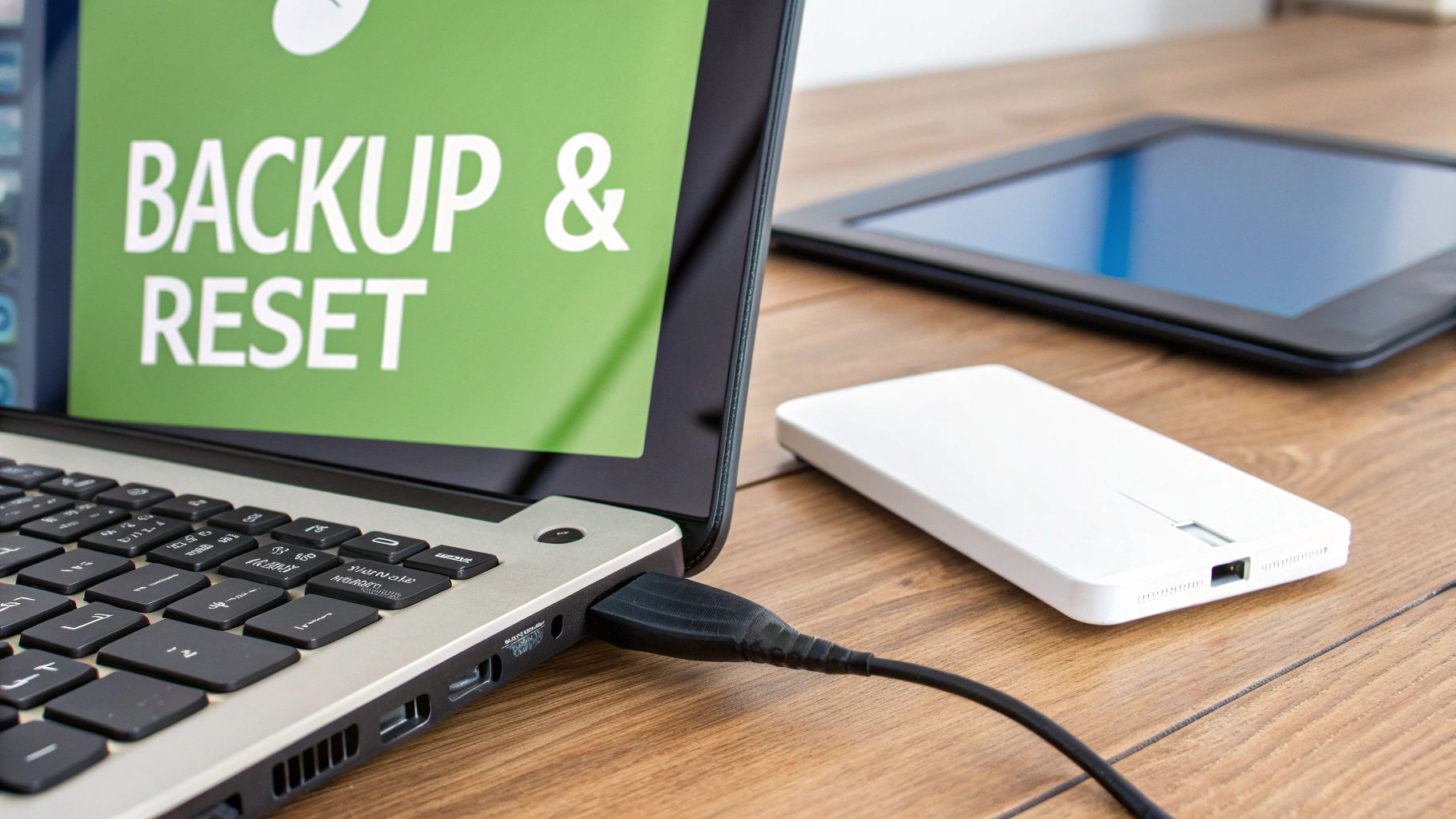
Start by backing up everything you want to keep. Once you wipe the tablet, any photos, documents or saved games vanish for good. Your two main options are:
- Cloud Storage: Services such as iCloud for iPads or Google Drive and Google Photos for Android tablets let you store files online.
- Computer Transfer: Hook your tablet up to a PC or Mac with a USB cable and drag important folders across.
Once your data is tucked away, run a factory reset to return the tablet to its out-of-the-box condition. This removes apps, accounts, settings and all personal content in one fell swoop.
A factory reset is your digital safety net. It’s the definitive action that severs the connection between your personal life and the physical device, giving you complete peace of mind.
For further reassurance, brush up on general IT security practices to ensure no digital traces remain.
Final Physical Checks
Now you’re ready to handle the hardware side. First, sign out of your Apple ID or Google Account—this detaches the tablet from your identity.
Then tick off these final points:
1. Remove External Cards: Double-check for any SIM or microSD cards and take them out.
2. Clean The Device: Gently wipe the screen and casing with a soft microfibre cloth, paying attention to edges and ports.
3. Gather Accessories: Round up the original charger, cables and adapters. These extras can boost the tablet’s resale or donation value.
How to Sell or Donate Your Old Tablet in the UK
If your old tablet is still working well, don't let it gather dust in a drawer. You can easily turn it into cash or a fantastic gift for someone who needs it. In the UK, you've got two main routes: selling it online or donating it to a registered charity.
Deciding which way to go really depends on what you want to get out of it. Are you after a bit of extra cash, or would you rather your old tech makes a positive difference? Let's break down the options.
Selling Your Tablet for Cash
Your first decision is all about convenience versus control. Do you want a fast, guaranteed sale, or are you happy to put in a little more work for a potentially bigger payday?
Here are your best bets in the UK:
Trade-in Websites: This is the easiest route by far. Companies like MusicMagpie and Mazuma Mobile give you an instant quote online. You just tell them the model and its condition, and they’ll give you a price. If you’re happy with it, you post the tablet to them for free and the money lands in your account pretty quickly.
Online Marketplaces: If you’d rather set your own price, platforms like eBay or Facebook Marketplace give you full control. You’ll likely get more money this way, but it does mean taking photos, writing a description, and sorting out postage yourself.
To get your tablet sold quickly, honesty is the best policy. Take clear, well-lit photos from every angle and be totally upfront about any scratches or marks. A good description builds trust with buyers.
Donating Your Tablet to a Good Cause
If making money isn’t the priority, donating your tablet is a brilliant way to help someone out. Many UK charities accept old electronics to help tackle the digital divide, giving people access to technology they simply couldn't afford otherwise.
Charities like the Digital Poverty Alliance or even local community centres can give your old device a second life. Just remember to do a full factory reset before you hand it over to wipe all your personal data. A quick online search for “donate electronics UK” will point you towards organisations in your area that are ready to put your old tech to excellent use.
Why You Shouldn't Just Bin Your Old Tablet
It's tempting to just toss an old, forgotten tablet into the bin, but that's one of the worst things you can do. These devices are packed with toxic stuff like lead and mercury. When they end up in a landfill, those chemicals can seep into the soil and our water supplies, causing real harm to the environment and even our health.
So, when you're figuring out what to do with that old tablet, think of recycling as more than just getting rid of clutter. It’s a simple but powerful way to protect the planet and hang onto precious resources.
- Inside every tablet, you'll find nasty materials like lead, mercury, and cadmium that need to be handled properly.
- They also contain valuable metals like gold, silver, and copper. It makes no sense to bury these when they could be used again.
- The batteries alone have lithium and cobalt, which are in high demand and require careful, specialist disposal.
When you look at it this way, an old tablet is valuable long after it stops running the latest apps. By recovering these materials, we reduce the need for destructive mining operations and lower greenhouse gas emissions at the same time.
It’s a bigger problem than you might think. UK households alone create around 400,000 tonnes of e-waste each year, part of a massive 6 million tonne national total. That breaks down to about 9kg of electronic junk for every single person. You can dig into more e-waste facts on the Business Waste website.
How to Recycle Your Tablet the Right Way
Recycling your tablet properly is straightforward if you follow a few simple steps. Here’s what you need to do to make sure it's handled responsibly:
- First, find a certified e-waste recycling centre or a designated drop-off point. A quick search online for your local council's services is a good start.
- Next, and this is crucial, wipe all your personal data. Go into the settings and perform a full factory reset to protect your privacy.
- Finally, box up the tablet securely, and don't forget to include its charger and any cables.
The choice you make has a massive impact.
By recycling your old tablet, you’re not just throwing something away. You're contributing to a circular economy and doing your bit to look after our planet.
Ultimately, choosing to recycle turns a simple clear-out into a win for the environment. You’re helping to close the loop on electronics manufacturing, ensuring valuable materials get a second life.
It's a small action that tackles big problems like climate change and resource scarcity, and every tablet recycled this way helps recover materials worth hundreds of pounds.
Don’t put it off.
Finding a Safe UK Recycling Point for Your Tablet
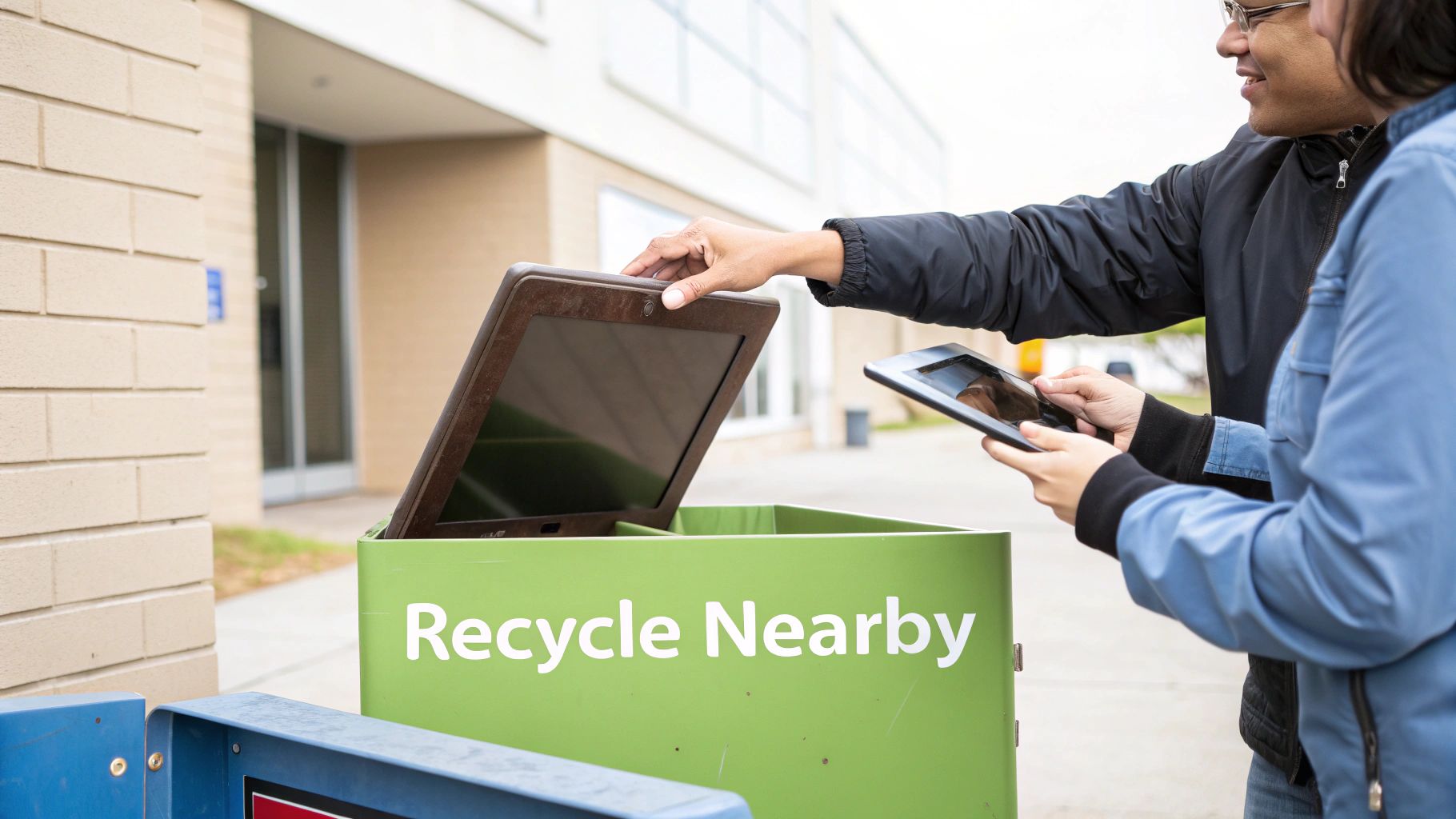
So, you’ve decided your old tablet needs recycling. That's the easy part. Now, where do you actually take it? Finding the right place can feel like a bit of a faff, but thankfully, there are plenty of simple and free options across the UK.
The best place to start is the Recycle Your Electricals online search tool. Just pop in your postcode, and it'll show you a map of all the approved drop-off points in your local area. It takes all the guesswork out of it and makes sure your tablet ends up at a proper, certified facility.
Your Main Recycling Options
When it comes to safely getting rid of your old tablet in the UK, you’ve got a few solid choices.
- Local Council Recycling Centres: You probably know it as the local tip. Most of these places have a special section set aside for small electricals.
- Retailer Take-Back Schemes: Loads of the big electronics shops will take your old tablet off your hands for recycling, often even if you aren't buying a new one.
- Kerbside Collections: Some councils will even pick up small electrical items right from your doorstep. It's worth checking your local council’s website to see if they offer this service.
The main reason professional recycling is so critical is the tablet's built-in battery. Certified recycling centres have the right equipment to safely remove these batteries, which can otherwise be a serious fire risk or cause environmental damage if they end up in a landfill.
This is a bigger deal than you might think. In the first quarter of 2025, the UK's collection rate for portable batteries was a measly 19.06%, miles off the annual target of 45%. That statistic shows just how many gadgets are still being chucked in the bin, posing real risks. You can read more about this on the ERP Recycling website's data summary.
Common Questions About Old Tablets
When you're figuring out what to do with an old tablet, a few common questions always seem to come up. Getting straight answers to these can help you feel confident you're making the right choice – one that’s secure for you and responsible for the planet. Here are the big ones, explained simply.
Is It Safe to Sell My Old Tablet?
Yes, selling your old tablet is perfectly safe, but only if you take a couple of crucial steps first. The single most important thing you must do is a full factory reset. This wipes the slate clean, removing all your personal data, photos, accounts, and settings.
Before hitting that reset button, double-check that you've backed up everything important. You'll also want to sign out of your Apple ID or Google account and physically pop out any SIM or SD cards. Once it’s completely clear of your data, selling it through a trusted service is a great way to get some cash back.
Think of a factory reset as digitally sanitising your device. It ensures that when you pass it on, none of your personal information goes with it, giving you complete peace of mind.
Can I Throw an Old Tablet in My Household Bin?
Definitely not. You should never, ever put an old tablet or any electronic device in with your regular rubbish. This kind of stuff is classed as e-waste, and it's full of nasty materials like lead and mercury that can cause serious environmental damage if they leak out in a landfill.
On top of that, old tech is packed with valuable resources that can be recovered and reused. People often wonder about general waste disposal, and it's always worth checking things like can you put electrical items in a skip before making assumptions. The bottom line is to always find a proper e-waste recycling service.
Is My Old, Slow Tablet Still Good for Anything?
Absolutely! An old tablet that groans under the weight of modern apps can be a champion at a single, dedicated job. When it only has one thing to focus on, its age and speed don't really matter.
Why not give it a new purpose?
- Turn it into a digital photo frame to cycle through your favourite memories.
- Make it a dedicated kitchen assistant for recipes, timers, and cooking videos.
- Use it as a central smart home controller for your lights, thermostat, and speakers.
- Strip it back to be a simple e-reader for distraction-free reading.
Finding a new role for your old device gives it a second life and keeps it out of landfill for years to come.
Ready to get the best price for your old tablet? EXE offers a fast, fair, and secure way to turn your unwanted tech into cash. We provide instant quotes, convenient collection, and immediate payment, often beating high-street offers. Whether your device is new, used, or even broken, we make it effortless to sell your tech securely. Get your free, no-obligation quote today at https://www.exe.co.uk.