


Unlocking a network-locked phone is usually a pretty painless process, and we're here to guide you through it. The best place to start is often your mobile carrier, as most will unlock it for free once you've met their terms.
But first, let's confirm if you even need to. The simplest check? Pop in a SIM card from a different network. If it connects and you can make a call, you're golden—your phone is already unlocked. If not, don't worry. You've got a few steps ahead, but it's totally manageable.
Why Your Phone Might Be Locked and How To Check
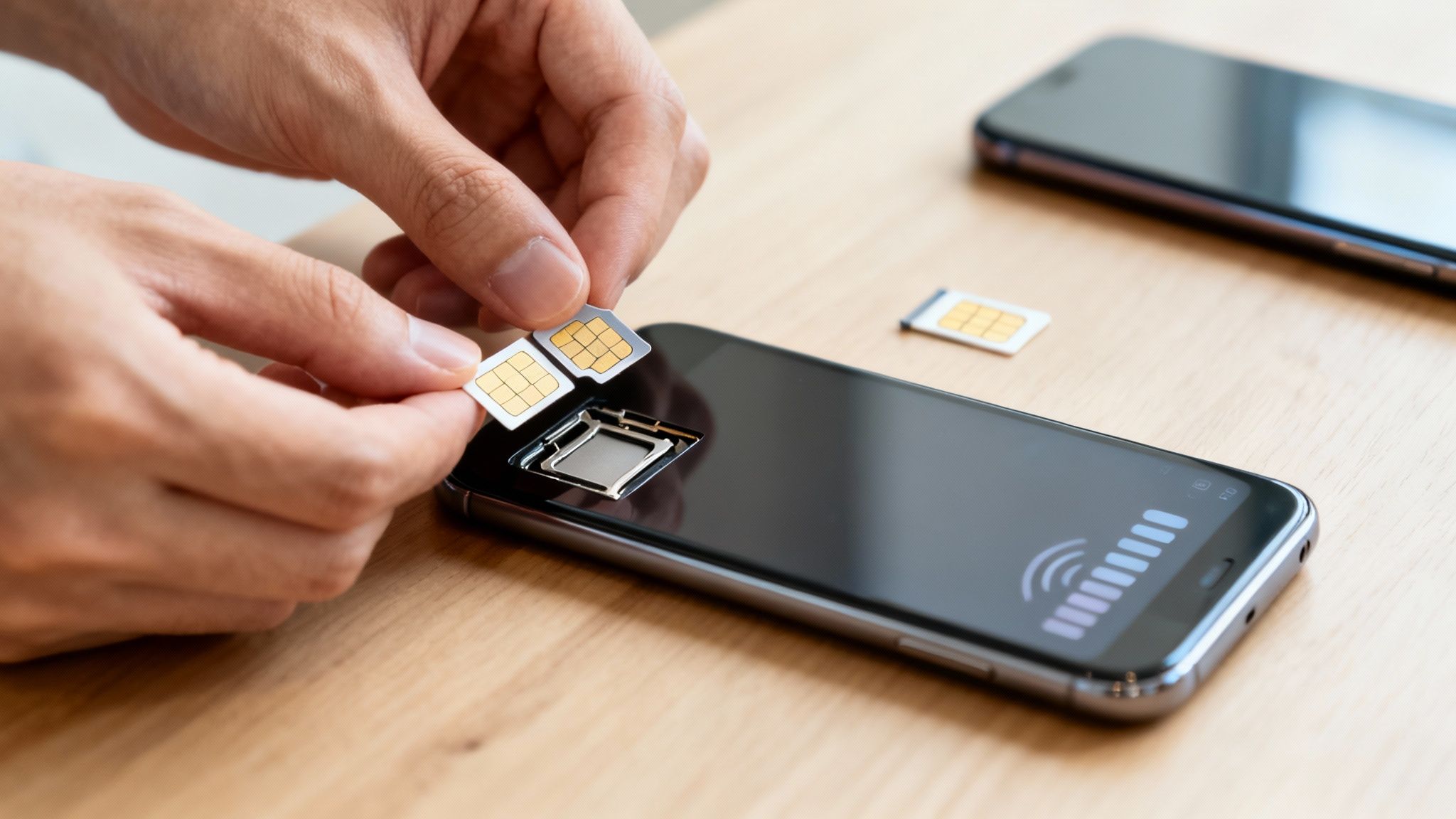
Ever wondered what "network locked" actually means? In simple terms, it’s a software block that a mobile provider, like Vodafone or EE, puts on a phone. This little bit of code stops the device from working with a SIM card from any other network.
It used to be standard practice. Carriers did this to keep you on their service, especially if you got the phone on a monthly contract. By knocking money off the handset's price, they'd lock it to their network to make sure they earned that money back over your contract term.
Thankfully, the Rules Have Changed
Luckily for us in the UK, things are much better now. The game changed completely thanks to a landmark ruling from Ofcom that came into full force in December 2021. This new rule banned UK mobile networks from selling locked phones.
Before this, providers often made you pay a fee to get your phone unlocked. This simple regulation made it far easier for people to switch networks or sell their old devices without hassle. It’s a consumer-friendly policy that actually positions the UK ahead in SIM lock regulations.
This means most phones sold after that date should be unlocked right out of the box. But if your phone is a bit older, or you just want to be certain, checking its status is the first thing you need to do.
The 2-Minute Phone Lock Status Check
This is the fastest way to get an answer. Before you start digging through settings or calling customer service, try this simple test. All you need is a SIM card from a friend or family member who uses a different network. If you're on EE, for example, borrow a SIM from someone on Three or O2.
| The 2-Minute Phone Lock Status Check |
| :--- | :--- | :--- |
| Action | What You See | What It Means |
| Power off your phone completely. | N/A | Preparing for the test. |
| Use a SIM tool or paperclip to open the SIM tray. | Your SIM tray pops out. | Accessing the SIM card. |
| Swap your SIM with one from another network. | The new SIM fits into the tray. | Ready to test the new network. |
| Power the phone back on. | The phone boots up as normal. | The final, crucial step. |
| Check the top of the screen for signal. | Signal bars and the new network name appear. | Success! Your phone is unlocked. |
| Look for an error message. | "SIM Not Supported," "Invalid SIM," or "Enter Network Unlock Code" pops up. | Your phone is definitely locked to your original carrier. |
This quick check tells you everything you need to know. If it turns out your phone is unlocked, brilliant! If it's locked, no stress—the next steps will walk you through exactly how to sort it.
Key Takeaway: Knowing your phone's lock status is the starting line. An unlocked phone gives you the freedom to switch to better deals, use cheaper local SIMs when travelling, and significantly increases its resale value.
If you find out your phone is locked and decide it's too much faff, we can help. We buy locked phones right here from our base in Redhill and offer competitive prices. Get a quick, no-obligation quote by filling out our simple sales form.
Going Straight to Your Network: The Official Unlock Route
Your first and best bet is nearly always to go directly to your mobile network. This is the official, above-board method for getting a phone unlocked, which means it’s safe, secure, and guaranteed to work as long as you meet their criteria. You won’t have to worry about dodgy software or accidentally voiding your warranty.
Think of it this way: you’d get a spare key cut by the original locksmith, not some random bloke down the market. Your network holds the master key, and they're usually happy to help you out. For anyone in Redhill, Merstham, or the surrounding Surrey area, this is where you should start.
First, Check if You're Eligible
Before you even think about picking up the phone or filling out an online form, it's worth understanding where you stand. Every UK carrier has its own rulebook, but they all tend to look for the same sorts of things. A little prep work here will save you a ton of hassle later.
Here’s what they’ll almost certainly check:
- Your Contract Status: Have you paid off your phone? If you’re still in the minimum term of your device plan, they'll likely say no. The phone usually needs to be fully paid for.
- Your Account Standing: Are you all paid up? Any outstanding bills will need to be cleared before they'll even look at your request.
- How Long You've Been a Customer: Some networks want you to have been with them for a certain period, often three to six months, before they’ll agree to unlock your device.
- Where the Phone Came From: The device must have been originally bought from them. They won’t unlock a phone you picked up from another network or bought second-hand.
If you can tick all these boxes, fantastic! You're in a great position. If not, don't sweat it—we'll cover other options later on. Or, if you'd rather not deal with the fuss, you can always get a quick quote to sell your locked phone directly to us by completing our sales form.
How to Ask for Your Unlock from the Major UK Networks
Confident you meet the requirements? Great. The next step is to actually ask for the unlock. Most networks have made this process pretty painless, with online forms or dedicated sections in their mobile apps being the go-to methods. It’s usually much quicker than sitting in a phone queue.
The UK mobile landscape is always shifting. A great example is the completed Vodafone and Three merger, which created VodafoneThree, now the country's largest network with a whopping 27 million subscribers. This has also led to some clever network-sharing tech, boosting mobile coverage across 16,500 square kilometres of the UK—brilliant news for when your phone is unlocked and ready for any SIM card you throw at it. You can dive deeper into what these changes mean for signal quality by reading this guide on mobile network coverage.
So, what do the big players want from you? Every network has a slightly different process. To save you some time, we've put together a quick comparison of what to expect.
UK Carrier Unlock Policies Compared
As you can see, the policies are pretty similar, but the small details matter. O2 is great for selling unlocked phones from the get-go, while EE still charges a small fee if you're mid-contract.
Pro Tip: Before you start the process, find your IMEI number. Just dial *#06# on your phone’s keypad, and it’ll pop up on the screen instantly. Jot it down—having it ready will make everything go much smoother.
Navigating Third-Party Unlocking Services
So, what happens if your network provider can’t help? Maybe you bought the phone second-hand from someone in Merstham, or you just don't meet the carrier’s strict eligibility rules. This is where you might start looking at third-party unlocking services.
These are online businesses that specialise in one thing: freeing your phone from its network prison.
The process usually feels pretty simple. You give them your phone's unique 15-digit IMEI number (just dial *#06# to find it), pay a fee, and they work their magic. They often tap into global databases to generate an unlock code or process the unlock remotely. It can seem like a brilliant quick fix, but honestly, it can be a bit of a minefield. You need to tread carefully.
This little decision guide helps visualise the key questions to ask before picking your unlocking route.
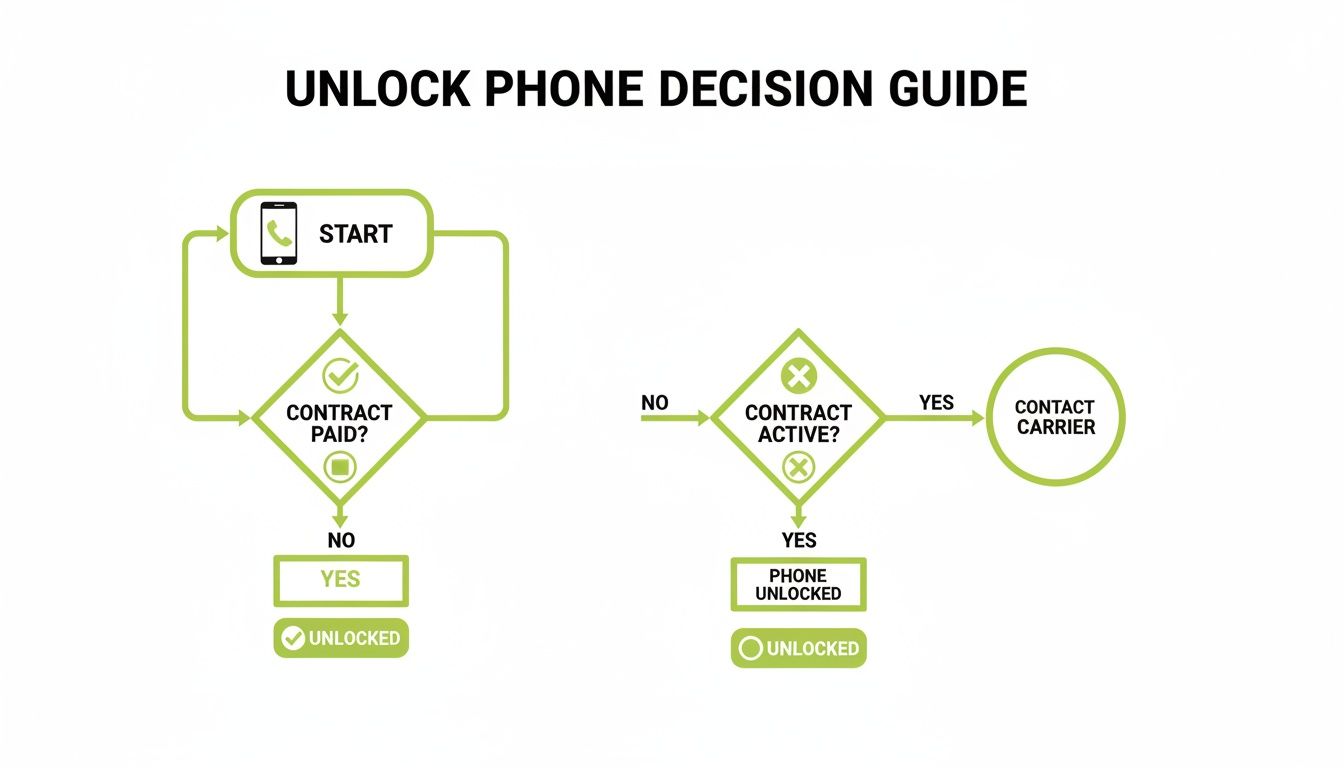
Ultimately, your contract status is the biggest factor in finding the safest and easiest way forward.
The Risks of Using a Third-Party Service
While many third-party services are perfectly legitimate, the industry certainly has its share of cowboys. The most common risk is pretty straightforward: you pay your money and get absolutely nothing in return. The "unlock" fails, and suddenly the company is impossible to get hold of.
But it’s not just about losing your cash. There are a few other potential headaches to consider:
- Kiss Your Warranty Goodbye: Using an unofficial service will almost certainly void any remaining manufacturer's warranty. If the phone develops a fault later, you could be left completely on your own.
- The Dreaded 'Brick': It's rare, but an incorrect unlocking process can cause serious software problems, sometimes rendering the phone useless—often called "bricking" it.
- Data Security Questions: You are handing over your phone's unique IMEI number. While the IMEI itself doesn't hold personal data, it’s always smart to be cautious about who you're sharing device details with.
It's a tricky area, but if you decide it's the right path for you, doing some proper homework first can save you a world of pain.
A Checklist for Choosing a Reputable Service
If you're determined to use a third-party service, please don't just click the first one that pops up on Google. A few minutes of due diligence now can save you a massive headache later.
Before you even think about entering your card details, ask yourself: Does this service feel trustworthy? If you have any doubt at all, it's better to walk away. Sometimes the path of least resistance is to sell the locked device and put the cash towards a new, unlocked one. Find out what yours is worth with our sales form.
Here’s a practical checklist to help you spot the good guys and avoid the bad ones:
- Hunt for Genuine Reviews: Look for feedback on independent sites like Trustpilot, not just the glowing testimonials plastered all over their own website. You want to know what real customers are saying.
- Demand a Money-Back Guarantee: A reputable company will stand by its service. If they can't unlock your phone, they should offer a full, no-fuss refund. No mention of a guarantee is a huge red flag.
- Check for a Clear Process: The website should clearly explain how it all works and give you a realistic timeframe. Vague promises like "fast unlock!" just don't cut it.
- Insist on Secure Payment: Make sure they offer secure payment methods like PayPal or major credit cards. These give you a layer of buyer protection if things go south.
If you go through this list and still feel uneasy, or if it all just seems like too much hassle, remember you have other options. For a straightforward, guaranteed way to get cash for your locked phone, consider selling it directly to us. We’re based right here in Redhill and make the whole process simple. You can get a free, no-obligation quote by completing our quick sales form.
Getting Your Phone Ready for Its Next Chapter
So, you’ve managed to unlock your phone! That’s a brilliant result. It immediately opens up your options, whether you're chasing a better mobile deal or looking to get the best possible price for it.
Before you sell it online, pass it to a family member, or bring it to our shop in Redhill for a quick quote, there are a few final bits of housekeeping to take care of. Think of it like preparing a car for sale—a proper clean-up protects you and makes for a smooth handover.
This isn’t just about being tidy; it's a crucial step in protecting your personal data. Simply jumping straight to a factory reset can leave the phone locked to your account, creating a massive headache for you and the new owner.
Secure Your Memories with a Full Backup
First thing's first: save everything that matters. Your phone is a digital scrapbook of your life, holding years of photos, contacts, and messages. You definitely don’t want to lose any of that.
Thankfully, backing up your data is pretty straightforward these days. You’ve got two main options:
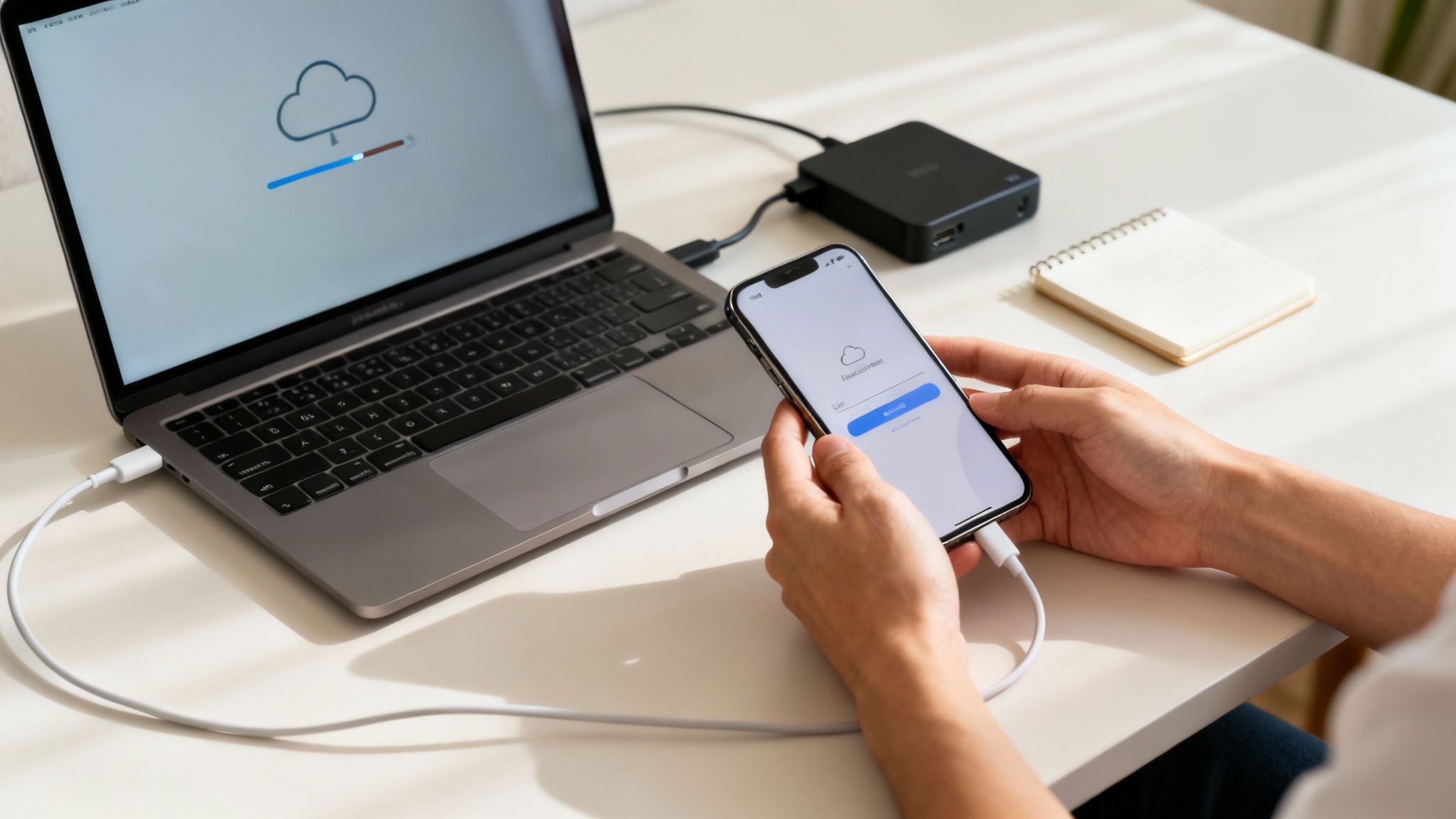
- Cloud Backup: For an iPhone, just pop into Settings > [Your Name] > iCloud > iCloud Backup and hit "Back Up Now." On an Android device, you'll find it in Settings > Google > Backup. Just make sure it’s all switched on. This is usually the easiest way to go.
- Computer Backup: If you'd rather have a local copy, you can plug your iPhone into a Mac or PC and use Finder or iTunes. For Android phones, you can either drag and drop files manually or use a dedicated app like Samsung's Smart Switch.
Whichever route you take, always double-check that the backup has finished completely before you do anything else. Don't rush this part—it’s your digital safety net.
The Most Important Step: Disabling Anti-Theft Protection
Pay close attention here, because this is without a doubt the most critical step of all. If you miss this, the phone stays locked to your personal account, rendering it totally useless for anyone else. It's a fantastic security feature, but it must be turned off before you part ways with the device.
Forgetting to sign out is one of the most common problems we see from customers coming in from Merstham and the surrounding areas. It's an easy mistake to make, but it's also incredibly easy to get right.
Crucial Reminder: A factory reset on its own does not remove your iCloud or Google account lock. You have to sign out manually first. If you don't, the phone will be stuck on an activation lock screen.
Here’s exactly how to do it:
- For iPhone Users (iCloud): Head to Settings and tap your name right at the top. Scroll all the way to the bottom and tap "Sign Out." You'll need to enter your Apple ID password to disable "Find My"—that's the anti-theft lock.
- For Android Users (Google Account): Go to Settings > Accounts (or sometimes "Users & accounts"). Find your Google account, tap on it, and choose "Remove account."
Once that's done, the phone is officially untethered from you. The new owner can now set it up from scratch without a hitch.
Performing the Final Wipe with a Factory Reset
With your memories safely backed up and your accounts signed out, it’s time for the final farewell. A factory reset securely erases every trace of your personal data, apps, and settings, returning the phone to its original, fresh-out-of-the-box state.
This is a non-negotiable step for your privacy and ensures you're compliant with GDPR by securely removing all your personal identifiers from the device.
- On an iPhone: Go to Settings > General > Transfer or Reset iPhone > Erase All Content and Settings.
- On an Android: The location can vary a little between brands, but you'll usually find it under Settings > System > Reset options > Erase all data (factory reset).
The phone will whir away for a few minutes and then restart to the welcome screen. It's now perfectly clean and ready for its new life. If you're ready to turn that phone into cash, you can get a fast, fair quote by filling out our simple sales form.
What to Do When Unlocking Just Isn’t an Option
So, you've tried everything. You’ve been through all the official channels with your carrier, maybe even looked into third-party services, but you’ve hit a brick wall. It’s frustrating, but it happens.
Sometimes the phone is still tied to an active contract, or it’s an ancient model from a network that’s long gone. The real deal-breaker, though, is if the phone has been blacklisted. This is a completely different kettle of fish, and it’s vital to understand what it means.
The Problem of a Blacklisted Phone
When a phone is reported as lost or stolen, its unique IMEI number gets added to a national database shared by all UK mobile networks. This is the blacklist. Once a phone is on that list, it’s blocked from connecting to any network in the country. End of story.
It's easy to confuse this with a simple network lock, but they are worlds apart.
- A network lock just tethers your phone to a single carrier.
- A blacklist block stops your phone from getting any mobile signal whatsoever.
There is no legitimate way to get a phone off the blacklist. Any service you see online claiming they can is almost certainly a scam. A blacklisted phone, for all practical purposes, can never be used as a phone in the UK again.
Key Insight: The blacklist is a really effective anti-theft tool. While it’s great for protecting the original owner, it means that if you've accidentally bought a blacklisted phone, unlocking it is a non-starter because the device itself has been barred from all services.
If you’ve discovered your phone is blacklisted, you've unfortunately reached the end of the road for using it day-to-day. But that doesn’t mean it’s just an expensive paperweight.
You Can Still Sell Your Locked Phone
Here’s the good news you've been looking for: a network-locked phone still has value. Plenty of people are happy to stick with the phone's original network, especially if it's one of the big ones like EE or Vodafone. This means there's a healthy market for second-hand locked devices.
You don't have to be stuck with it. Instead of letting that phone gather dust in a drawer, you can turn it into cash. And that’s where we can step in and make things incredibly simple, particularly if you’re local to the Redhill area.
At EXE, we specialise in buying phones in almost any condition. And yes, that absolutely includes devices that are still locked to a specific UK network. We get the headaches involved in trying to unlock a phone, so we offer a straightforward, no-fuss alternative.
Getting a Fair Price Without the Fuss
Why put yourself through the stress of finding a private buyer online, dealing with haggling, and worrying about whether you’ll actually get paid? We offer a fast, fair, and secure way to sell your locked phone. Our entire process is designed to be as painless as possible.
We give competitive prices for locked devices, providing a great way to monetise tech you can't use on your new network. If you’re in Redhill, Merstham, or any of the surrounding towns, you can pop into our shop for an instant, on-the-spot offer.
It’s the perfect solution when unlocking simply isn't on the cards. You get a fair price for your old phone and can put that money towards a new, unlocked device without any of the hassle. Ready to find out what your locked phone is worth? Get a free, no-obligation quote in minutes by filling out our simple sales form.
Your Unlocking Questions Answered
We’ve covered a lot of ground, but you probably still have a few questions buzzing around. It's completely normal. To help clear things up, we've put together some quick, straightforward answers to the queries we hear most often from our customers here in our Redhill shop.
Think of this as your final checklist before you get started, whether you’re unlocking the phone for yourself or to sell it on.
Will Unlocking My Phone Erase My Data?
This is a big one, and thankfully, the answer is simple: no. The actual unlocking process doesn't touch your personal data. Whether it's your network provider or a third-party service doing the work, they are only removing the software lock that ties your phone to a specific carrier. Your photos, contacts, apps, and messages will all stay exactly where they are.
That said, it’s always a brilliant habit to back everything up before you start any process like this. You just never know. And if you're planning to sell the phone afterwards, you’ll need to do a full factory reset anyway—which definitely erases everything. So, in that case, a backup is non-negotiable.
Is It Legal to Unlock a Phone in the UK?
Yes, it is 100% legal to unlock your phone in the UK. There's just one crucial condition: you have to own the device outright. This means you've either bought it SIM-free or you've seen your contract through to the end and paid off the device plan completely.
The only time you’d find yourself in hot water is if you tried to unlock a phone that’s still under contract with money owing, or even worse, one that’s been reported lost or stolen. As long as the phone is legitimately yours and paid for, you’re well within your rights to have it unlocked. It’s your property, after all.
Our Experience: We've seen hundreds of phones come through our doors. The legal side is clear-cut: if you own it, you can unlock it. It really is that simple.
How Do I Know if the Unlock Actually Worked?
This is the easiest part, and it only takes about 30 seconds to be certain. The real test is simply to pop in a SIM card from a different network.
Borrow a SIM from a friend or family member who uses a different carrier to your phone's original one. So, if your phone was locked to EE, try a SIM from Vodafone, Three, or O2.
Here’s what to do:
- Turn your phone off completely.
- Use a SIM tool (or a paperclip!) to eject your current SIM.
- Slot in the SIM from the other network.
- Power your phone back on.
If you see signal bars and the new network’s name appears at the top of the screen, you’re golden! The unlock was a success. Try making a quick call to be absolutely sure. If you get an error message like "SIM Not Supported" or "Invalid SIM," then unfortunately, the phone is still locked.
Can I Still Sell My Locked Phone to You?
Absolutely! We get asked this all the time. We buy phones in all sorts of conditions, and that most certainly includes devices that are locked to a specific UK network.
While an unlocked phone can sometimes fetch a slightly higher price, we give very competitive and fair quotes for locked ones, too. It’s often the perfect hassle-free option if you can’t meet your carrier's unlocking rules or just don't want the bother of doing it yourself. You can turn that old locked phone into cash, quickly and easily using our simple sales form.
At EXE, we make it simple to get a great price for your tech, whether it's locked, unlocked, or even broken. For a fast, free, and no-obligation quote, just fill out our form today. Visit us at https://www.exe.co.uk/#form.