


That new-phone feeling is brilliant, isn't it? But then the worry sinks in—what about all those messages? Years of conversations, funny memories, and important info are all locked away on your old device.
Luckily, moving your texts isn't the technical nightmare it used to be. The easiest way is usually to lean on your phone’s built-in cloud service. For Apple users, that’s iCloud, and for Android, it’s Google Drive. If you’re making the big switch from Android to iPhone, Apple even has a handy app called Move to iOS to help you out.
Your Guide to Moving Messages Without the Stress
Getting a new phone should be all about the excitement, but worrying about your message history can really spoil the fun. It's a common fear—leaving behind everything from silly group chats to vital delivery confirmations. Lots of people in Redhill and the surrounding towns put it off, thinking they’ll mess it up or delete something important.
But honestly, it’s much simpler these days. Whether you’re upgrading to the latest iPhone, grabbing a new Android, or even jumping between the two, there are solid, reliable ways to bring your conversations along for the ride.
This guide will walk you through the best methods, step-by-step. We'll look at:
- Using the official, built-in tools from Apple and Google.
- The best way to move your chats between an iPhone and an Android.
- What to do if your old phone’s screen is broken or you run into trouble.
For our local customers in Redhill, Merstham, and across Surrey, this guide should get you sorted in no time. And if you ever get stuck, you know where we are—our team is always here to help at our Redhill shop. Just fill out our simple online form and we'll be in touch!
Finding the Right Path for Your Transfer
The best method for moving your texts really comes down to one thing: what's your old phone, and what's your new one?
Figuring this out first will save you a world of headaches.
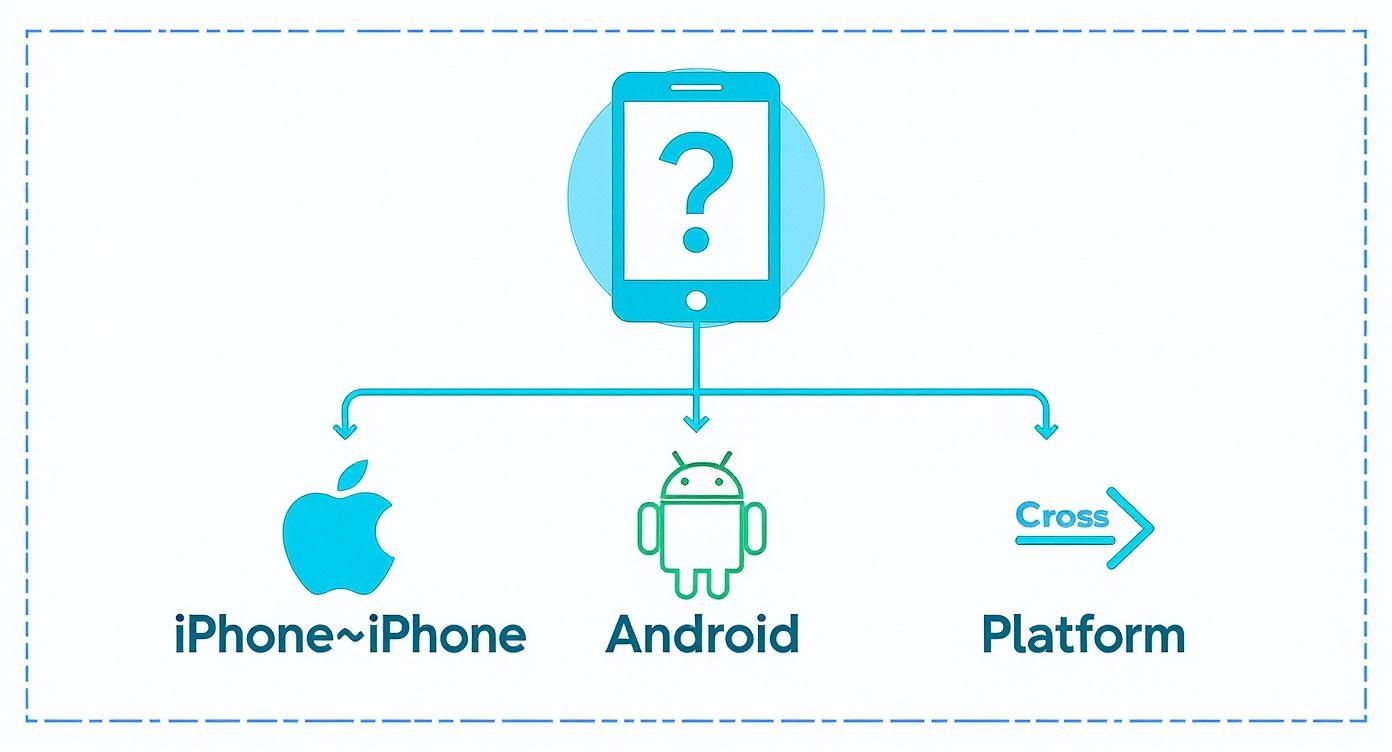
As you can see, sticking with what you know (like going from one iPhone to another) is usually the most direct route. It’s when you cross from one system to another that you need a more specific tool for the job. It's a task millions of us in the UK face every year.
In the UK, with around 88.4 million active mobile connections reported in early 2025, moving our digital lives from one phone to another has become a routine part of an upgrade. Texting is still a massive part of how we communicate, too. A 2023 survey found that 78% of UK mobile users still rely on SMS, which shows just how vital it is to keep those messages safe. You can explore more UK digital trends here.
Knowing which path to take from the get-go makes everything smoother. If you’re ever unsure or just want someone to handle it for you, that's what we're here for. Just fill out our simple online form, and we'll get it sorted.
Which Transfer Method Is Right for You?
Here's a quick look at the best ways to move your texts based on your old and new phones.
Each path has its own quirks, but with the right approach, you can make sure no message gets left behind. We'll dive into the specifics of each of these methods next.
Keeping It in the Family: iPhone to iPhone and Android to Android
When you're upgrading your phone but sticking with the same team—either Apple or Android—the good news is that transferring your texts is usually a piece of cake. The people who made your phone have already built in the perfect tools for the job, making the whole process secure, smooth, and best of all, free.
Think of it like moving house but staying on the same street. All your digital belongings are packed neatly into a "box"—in this case, a cloud backup—and moved just a few doors down to your shiny new device.

This is by far the most reliable way to handle same-system transfers. It doesn't just bring over your texts; it often includes your apps, settings, and photos too, making your new phone feel familiar from the moment you turn it on.
Easy iPhone Transfers with iCloud
For anyone in the Apple ecosystem, iCloud Backup is your golden ticket. It's designed to create a complete snapshot of your device, catching every last iMessage and SMS. Before you say goodbye to your old iPhone, it’s really important to run one last manual backup to make sure everything is up-to-date.
Here’s how you do it:
- Go to Settings > [Your Name] > iCloud.
- Tap on iCloud Backup.
- Check the toggle is on, and then hit Back Up Now.
Once that backup is complete, you can fire up your new iPhone. As you go through the initial setup, you'll get to a screen that asks how you want to set up your device. This is the key moment. Choose "Restore from iCloud Backup," sign in with your Apple ID, and pick the fresh backup you just created. Your new phone will then pull everything down from the cloud, and your message history will appear exactly as you left it.
Android Transfers Using Google Drive
Over on the Android side of things, the process is just as user-friendly, with Google Drive Backup doing the heavy lifting. Most Android phones are set to back up automatically, but it's always a good idea to double-check before you start the transfer. You can usually find this in your phone’s settings under System > Backup.
Just be aware that this backup typically includes your SMS messages, device settings, and call history. When you sign in to your Google Account on your new Android phone, it will prompt you to restore this data, bringing all your old conversations over without any fuss.
This is the go-to method for most Android devices, whether you’re based in Redhill, Reigate, or anywhere else. That said, some manufacturers have their own excellent tools that can make the process even quicker.
Manufacturer Tools Like Samsung Smart Switch
If you’re a Samsung user, you’re in luck. Samsung Smart Switch is a fantastic bit of software that can transfer all your data—texts included—either wirelessly or with a direct USB cable. From our experience, the wired method is lightning-fast, shifting huge amounts of data in just a few minutes.
Many of our local customers in towns like Merstham find this really useful. There’s something reassuring about using a cable; it gives you that extra peace of mind that everything is moving across properly. Of course, if you run into any trouble or would just rather have an expert handle it, our team is always ready to help. Just fill out the contact form on our website and we'll be in touch.
Making the Switch Between Android and iPhone
Jumping from an Android phone to an iPhone, or the other way around, can feel like a massive leap. For years, this was the trickiest scenario for anyone wanting to transfer texts to a new phone, but things have thankfully improved a lot. Now, with the right tools, you can bring your message history with you, no matter which team you're joining.
The key is knowing which official app or trusted piece of software to use for your specific switch. Unlike same-system transfers that lean on built-in backups, crossing the Android-iOS divide requires a dedicated migration tool to translate and move your data correctly.
This whole process is a modern solution to a problem that's been around almost as long as texting itself. Fun fact: the UK was where the very first SMS was sent way back in 1992, kickstarting a communication revolution. Today, texts are more important than ever, with a recent survey showing that 78% of UK mobile users still use SMS. It just goes to show how crucial it is to keep those conversations safe during an upgrade. You can read more about the evolution of mobile phone usage if you're curious.
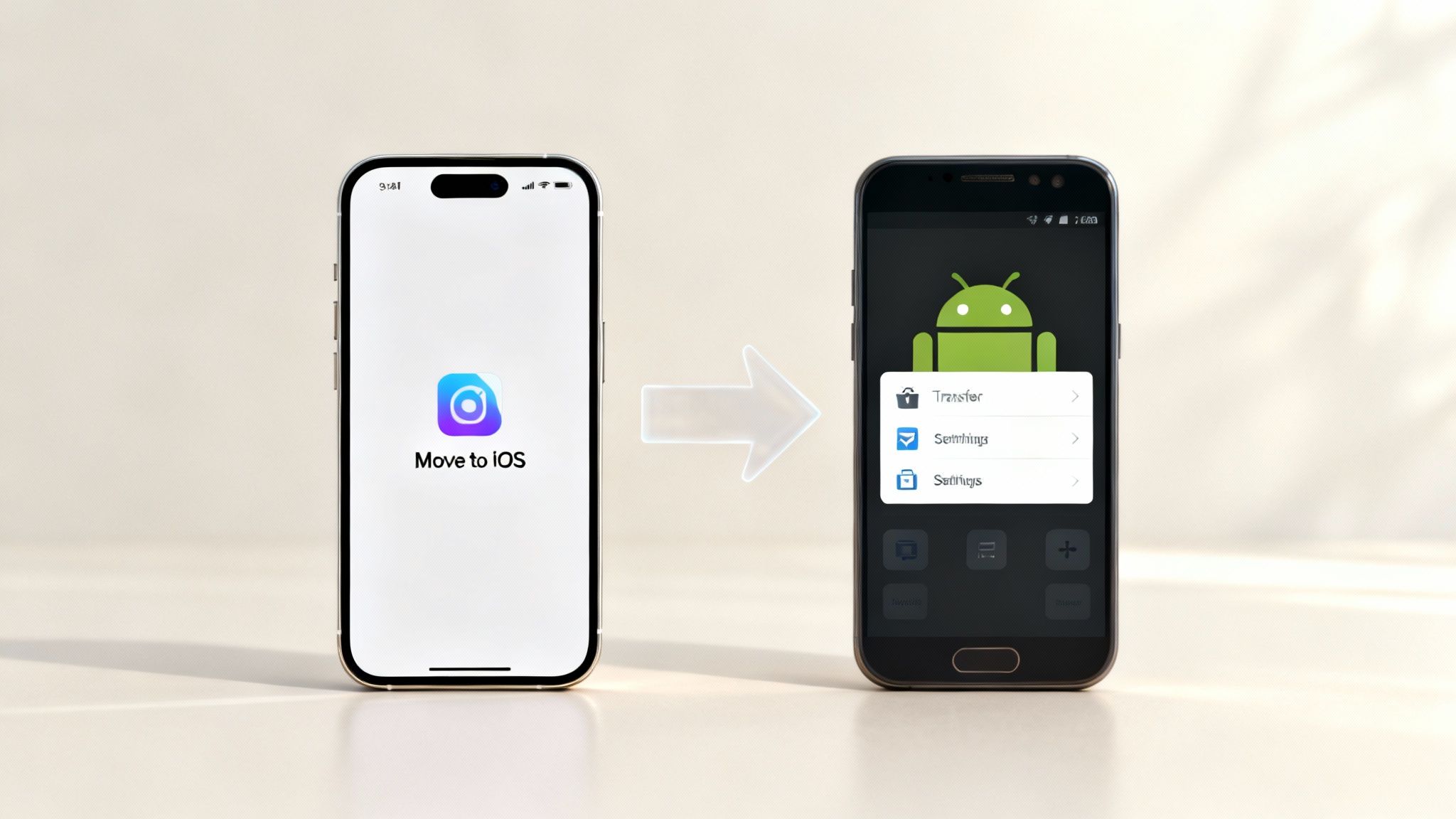
Moving from Android to iPhone with Move to iOS
If you’re moving to a shiny new iPhone, Apple has actually made the process pretty straightforward with its official Move to iOS app. The trick is to install this app on your old Android phone before you start setting up your new iPhone.
During the iPhone’s initial setup routine, you'll eventually hit a screen called "Apps & Data." From there, it’s just a few simple steps:
- Tap the option that says "Move Data from Android."
- Pop open the Move to iOS app on your Android phone and follow the on-screen prompts.
- Your new iPhone will display a code; just enter this code on your Android device to link them up.
- You'll then get a list of what you can transfer—make sure "Messages" is ticked!
The app cleverly creates a secure, direct Wi-Fi connection between the two phones to shuffle your texts, contacts, and other bits across. It’s a simple and effective method, but a top tip from us: make sure both phones are plugged in and left completely alone until the transfer is finished. Don't be tempted to check on them!
Switching from iPhone to a New Android
Going the other way, from an iPhone to an Android, can be a little more complex. There isn't a single, universal "Move to Android" app from Google that handles messages for all devices, but you've still got some excellent options.
Many Android manufacturers, like Samsung, build their own fantastic migration tools. Samsung Smart Switch is brilliant at pulling data directly from an iPhone, including your entire text message history. You’ll typically connect the two phones with a special USB adapter that, helpfully, often comes in the box with a new Samsung phone.
What if you're not getting a Samsung? For other Android brands, or if you just prefer a different route, several trusted third-party applications can help. These tools usually work by having you create an iMessage backup on a computer. The software then converts that backup and restores it to your new Android device.
This path does require a few more steps and can feel a bit more technical. If you’re in Redhill, Merstham, or the nearby areas and feel a bit out of your depth, please don’t hesitate to reach out. We can handle the entire process for you, ensuring a totally stress-free switch.
Just fill in our quick online form, and we'll take care of the rest.
When Standard Methods Are Not Enough
Sometimes, the standard cloud backups or the phone’s built-in transfer apps just don't get the job done. We’ve all been there: a transfer that stalls halfway through, or worse, your old phone is staring back at you with a smashed screen that won’t respond to touch. When you find yourself in a tight spot like this, dedicated third-party software can feel like an absolute lifesaver.
These are specialised programmes you install on your computer, built from the ground up to move data between phones. They act as a powerful middleman, giving you far more control over the process than the typical all-or-nothing approach of a full cloud restore.
Gaining More Control Over Your Transfer
One of the biggest wins when using these tools is the ability to be selective. Instead of migrating every last bit of data from your old phone, you can often pick and choose exactly what you want to move. This is perfect if you just need to rescue those important conversations without cluttering up your new device with old apps and settings you no longer use.
The process itself is usually very straightforward:
- First, you install the software on your Mac or PC.
- Next, connect both your old and new phones to the computer with their USB cables.
- From there, you just follow the on-screen prompts to select the data you want to transfer.
That direct, wired connection is often far more stable and faster than relying on a potentially flaky Wi-Fi signal, which is a real bonus.
This kind of focused transfer is particularly useful now, as the sheer volume of data we keep on our phones continues to balloon. Ofcom's 2025 report highlighted an 18% increase in mobile data usage, a clear sign of how much information we're all managing. While SMS messages themselves are small, these modern tools are designed to handle hefty multimedia messages (MMS) and chat backups with ease, making the transfer efficient over the UK's speedy 5G networks. Discover more insights from the Ofcom report.
Rescuing Messages from a Broken Phone
Where these tools really prove their worth is when your old phone is damaged. As long as your computer can still recognise the device when you plug it in, there’s a great chance the software can access its internal storage and pull your messages off safely. It’s a common scenario we see with customers from Redhill and Merstham who’ve had an unfortunate accident with their phone.
It's crucial to choose a reputable tool. Always look for software with plenty of good reviews and a transparent privacy policy. Some offer free versions with basic features, while others might ask for a one-off payment for full functionality. Frankly, it can be a small price to pay for recovering years of precious memories.
If you’re facing a particularly tricky situation with a broken device or would simply rather have an expert handle the transfer for you, our team is here to help. We have the professional-grade tools and experience to recover data even when it seems like all is lost. Just get in touch via our simple sales form, and we’ll get it sorted for you.
Final Checks and Wiping Your Old Phone Clean
Right, your texts should now be sitting comfortably on your new phone. Success! But before you get lost exploring your shiny new gadget, there are a couple of quick but essential last steps. Think of it as the final bit of digital housekeeping for total peace of mind.
First up, do a quick spot-check. Open up your messaging app and have a scroll. Are your most recent conversations there? What about that important chat from last week with all the photos? Just a quick visual confirmation that everything has landed safely will let you breathe a sigh of relief.
Preparing Your Old Phone for a New Life
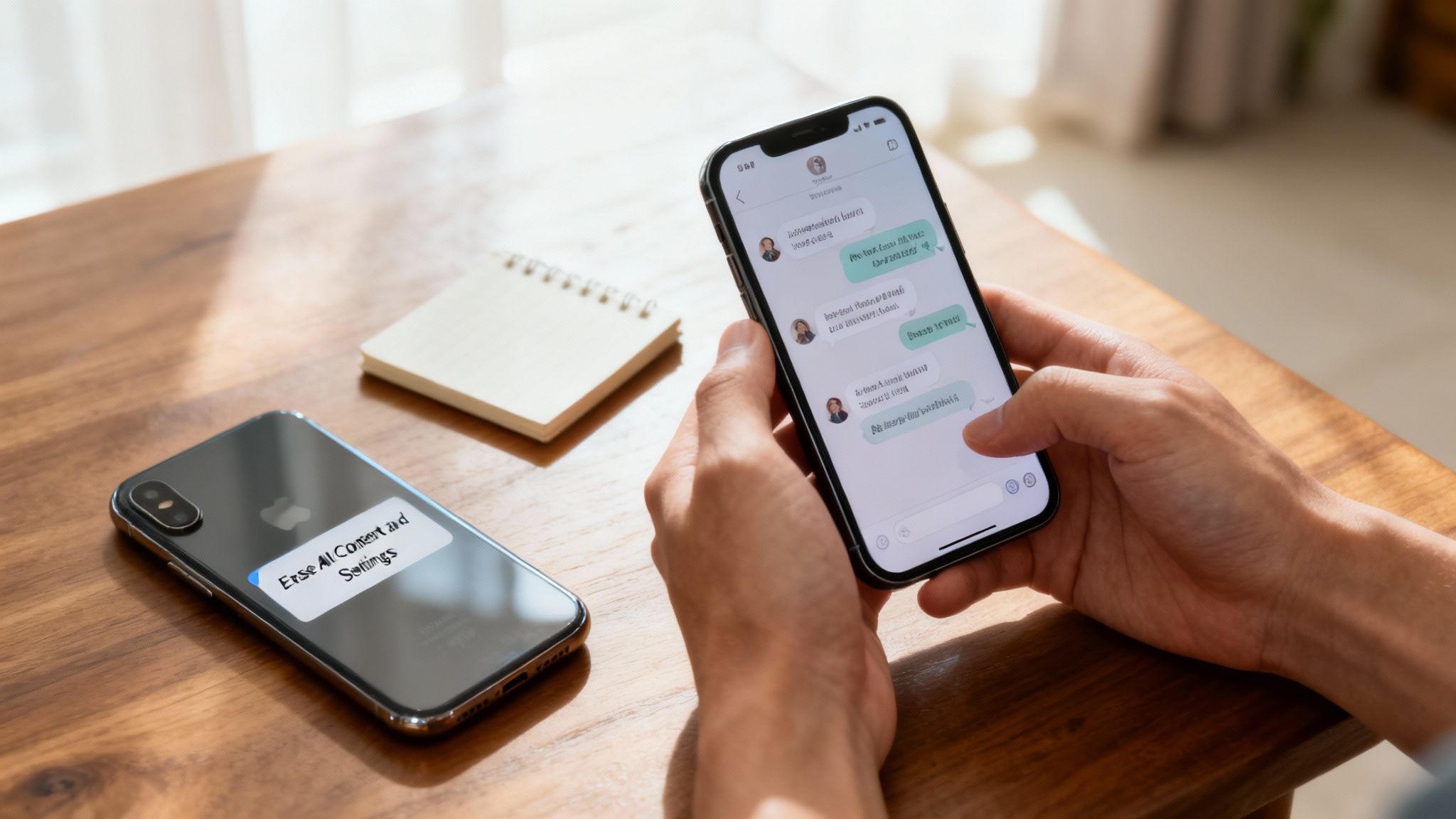
Once you’re happy that the transfer is a roaring success, it’s time to turn your attention to your old phone. This is probably the most critical step for protecting your personal information. Whether you plan on selling it, trading it in, or recycling it, you absolutely must wipe it clean first.
The go-to method for this is a factory reset. This process nukes everything from the device—your photos, contacts, apps, accounts, and yes, your messages—returning it to the same state it was in when you first unboxed it.
- On an iPhone: You’ll find this at Settings > General > Transfer or Reset iPhone > Erase All Content and Settings.
- On an Android: The exact path can differ between manufacturers, but it’s typically under Settings > System > Reset options > Erase all data (factory reset).
Don’t skip this. It’s the only way to guarantee your personal data doesn't end up in someone else’s hands.
Wiping Your Data the Right Way
Before you hit that final erase button, it’s always wise to double-check that your accounts are secure and you've backed up anything else you might need. There's a really helpful guide on securing your smartphone that walks you through the key steps. Erasing your data properly isn't just about privacy; it's about protecting your entire digital identity.
For our local customers in Redhill, Merstham, and the nearby areas, we know how important data security is. That's why, for any device you sell to us, we provide a fully secure, GDPR-compliant data wiping service. We ensure that every last trace of your personal info is professionally and permanently removed.
Looking to sell your old phone for a great price without the faff? We make it simple. We offer a convenient collection service and a trusted, thorough data-wiping process, giving you both cash for your device and complete peace of mind.
Ready to sell your old device safely and securely? Get a free, no-obligation quote by filling out our simple online form, and we'll sort out a convenient collection from your home or office.
Got Questions? We’ve Got Answers
Even with a solid plan, it’s completely normal to hit a snag or have a few questions pop up when you're moving your life from one phone to another. Here are some of the most common queries we hear from customers, answered straight and simple.
Will My Photos and Videos Come Along for the Ride?
This is a big one, and thankfully, the answer is almost always yes. The official tools—like Apple's iCloud Backup, Google Drive Backup, and the 'Move to iOS' app—are built to handle everything. They don't just transfer the words (SMS); they bring over all the media attachments (MMS) like photos, videos, and GIFs.
Once the transfer is done, your conversations should look exactly as they did on your old phone, pictures and all. Still, it's always smart to open a few message threads and give it a quick once-over, just for peace of mind.
How Long is This Going to Take?
Ah, the classic question! The honest answer is: it depends. The total time can swing quite a bit based on a few key factors.
- How much you've got: A message history stretching back years will obviously take longer than one from the last few months.
- Your internet speed: A strong, stable Wi-Fi connection makes a massive difference.
- The method you're using: A direct cable transfer is usually the speed demon, often done in under 30 minutes. Restoring from a cloud backup over Wi-Fi is more common and can take anywhere from 30 minutes to a couple of hours, sometimes longer for huge archives.
Our advice? If you're a heavy texter, kick off the process when you've got some time to spare and let it do its thing without interruptions.
Can I Get Texts Off a Broken Phone?
It can feel like a lost cause, but don't panic—you've got options. If you had automatic cloud backups enabled before your phone met its unfortunate end, you’re in luck. Just sign in on your new device and restore from your most recent iCloud or Google backup.
No backup? All is not lost. The next port of call is usually a third-party tool on your computer. As long as the old phone can still power on and be recognised by a computer via a USB cable, these programs can often dive in and pull the data right off the internal storage. For more specific technical hitches, a detailed guide like Screenask's comprehensive FAQ can be a real lifesaver.
When a phone is completely dead and won't even power on, it can feel like game over. But even then, data recovery specialists can often work wonders. We’ve helped plenty of folks from Redhill, Merstham, and the surrounding areas rescue precious photos and messages from devices they thought were gone for good.
If you're running into trouble, dealing with a broken device, or just want an expert to handle it all for you, the team at EXE is here to help. Get in touch with us here in Redhill for professional assistance, or ask for a quick quote to sell your old device. Just fill out our simple form at https://www.exe.co.uk/#form, and we'll handle the rest.