


So, you're thinking of selling your old iPhone? That's a great idea! But before you do anything else, the absolute first thing on your list should be to securely wipe every last bit of your data from it.
The best and most thorough way to do this is a full factory reset. This process doesn't just delete your files; it effectively shreds the digital encryption keys that keep your data safe, making it completely unrecoverable. It's the only way to be sure your phone is a clean slate for its next owner.
Why a Secure Wipe Is So Important
Let's get straight to the point: your iPhone is a treasure trove of personal information. It's not just a phone; it's your digital life in your pocket. We're talking private messages, family photos, sensitive work emails, and even saved passwords for your banking apps. Just deleting a few things here and there simply won't cut it.
Protecting Your Digital Identity
Selling an iPhone without wiping it properly is like handing over your wallet and house keys to a stranger. You're leaving yourself wide open to identity theft and fraud. A factory reset is your digital safety net—it scrubs the device completely, ensuring your personal data stays personal.
This isn't just a technical step; it's about peace of mind. For our customers across Redhill, Merstham, and the local area, we always stress that knowing your data is gone for good is the most important part of selling your old tech.
Your personal data is your responsibility. Making sure it's permanently erased from a device you're selling isn't just a suggestion—it's a critical security measure to protect your privacy and prevent your information from falling into the wrong hands.
It’s no surprise that this is a growing concern. Our phones hold more of our lives than ever before. In the UK, iPhone users, particularly the 60% of 25-35-year-olds on iOS, are constantly managing their storage. With average monthly data traffic predicted to soar from 14.99GB in 2023 to 33.77GB by 2027, "how to delete data from iPhone storage" is a question on everyone's mind before an upgrade.
Being aware of your consumer rights, like exercising your 'Do Not Sell My Data' rights, just highlights how vital it is to ensure your information is truly gone.
Once you’re confident your device is securely wiped and ready to go, you can get an instant, fair quote by filling out our simple sales form.
The Pre-Wipe Checklist: Back Up and Sign Out
Before you even think about hitting that final erase button, let's take a moment. Wiping your iPhone is the last thing you should do, not the first. The most important part of this whole process is making sure your precious data—all those photos, contacts, messages, and app settings—is safely tucked away.
Think of it like packing up your house before you move; you wouldn't just leave everything behind for the new owners, would you?
How to Back Up Your iPhone
Your first job is to create a complete, up-to-the-minute backup. This is your digital safety net, ensuring you can seamlessly transfer your life to your new device without losing a single memory or important file. You've got two main options here: backing up to iCloud or to your computer.
Each has its pros and cons, so let's break them down to see which one suits you best.
iCloud Backup vs Computer Backup: A Quick Comparison
Deciding between iCloud and a computer backup often comes down to convenience versus storage space. An iCloud backup is brilliant because it happens automatically over Wi-Fi, but you might need to buy extra storage if you're a heavy user. A computer backup, on the other hand, is free (as long as you have the disk space) and can be a bit quicker, but you have to remember to physically plug your phone in.
This table should help you choose.
Ultimately, there's no wrong answer here. Just pick the one that fits your habits and gives you peace of mind. To be extra safe, especially with cloud services, it's always a good idea to implement a robust 3-2-1 backup strategy. It's the gold standard for a reason.
A Quick Tip From Experience: Don't rely on a backup from a few months ago. I've seen it happen! Always perform a fresh backup right before you plan to wipe your iPhone to guarantee your most recent photos, messages, and app updates are all saved.
With our data usage constantly on the rise, this step is more critical than ever. UK mobile stats show that the average monthly data use per smartphone is expected to hit 23.10GB by the end of 2025—a huge jump from 13GB in 2024. This is largely driven by things like 4K video streaming, especially in urban areas like London or even closer to home in Redhill, which is why your backups keep getting bigger.
Signing Out and Disabling Find My
Right, backup complete? Confident everything is saved? The next step is to digitally disconnect yourself from the device. This is absolutely essential, whether you're selling it to us or passing it on to a family member.
First, you need to sign out of your Apple ID and iCloud. Just go to Settings > [Your Name] and scroll all the way to the bottom to tap 'Sign Out'. This simple action removes your personal account and all its associated data from the phone.
Next, and this is crucial, you must disable 'Find My'. This feature is tied to Activation Lock, a powerful anti-theft measure that links the iPhone to your Apple ID. If you forget to turn it off, the next person won't be able to use the phone at all. It'll be a brick.
- Navigate to Settings > [Your Name] > Find My.
- Tap 'Find My iPhone' at the top.
- Toggle it off. You'll be prompted to enter your Apple ID password to confirm.
By completing these steps, you've successfully backed up your world and untethered your identity from the device. Now, and only now, are you ready for the final wipe. Once you're done, remember you can get a quick and easy quote for your freshly prepped phone using our online form.
Erasing All Content and Settings for Good
Right, you’ve done all the important prep work. Your photos are safely backed up, you’ve signed out of your Apple ID, and Find My is officially off. Now for the satisfying final step: the factory reset. This is where you securely wipe every last bit of your personal data and return the iPhone to its fresh, out-of-the-box state.
It’s worth knowing that this isn't just about deleting a few files. Modern iPhones are built around powerful encryption. When you choose to ‘Erase All Content and Settings’, you’re effectively shredding the unique encryption keys that make your data readable. Once those keys are gone, what's left behind is just a meaningless jumble of code. For all practical purposes, it's completely unrecoverable.
The Final Steps to a Clean Slate
To kick off the final wipe, you just need to dive into your Settings app one last time. It’s a pretty straightforward path, and Apple puts up plenty of clear warnings so you know you’re in the right place.
Here’s exactly where to go:
- Head into Settings > General.
- Scroll right to the bottom and tap Transfer or Reset iPhone.
- From there, select Erase All Content and Settings.
The phone will ask for your passcode and maybe even your Apple ID password as a final security check. Once you’ve confirmed, the process will start. It can take a few minutes, so just let it do its thing. The moment you see that multi-language 'Hello' screen pop up, you know the job is done. Your iPhone is now officially wiped and ready for its new owner.
Before you hit that final erase button, it’s worth double-checking you've followed the crucial pre-wipe steps.
As this flowchart shows, backing up your data and signing out of your accounts are absolutely non-negotiable before you proceed.
What If Things Go Wrong?
But what happens if you can't even get into the settings menu? It’s a situation we see all the time with people in Redhill and Horley who bring us devices that have had a bit of a tough life.
If you’ve forgotten your passcode or the screen is smashed, following the steps above is impossible. Don't panic, though—you’ve still got options. You can connect the iPhone to a computer and use Finder (on a Mac) or iTunes (on a Windows PC) to restore it. This does the same job, wiping everything clean and installing a fresh version of iOS.
Sometimes, a device is just too far gone to wipe at home. If the screen is completely unresponsive and it won't even connect to a computer, getting a professional to handle it is your safest bet for making sure the data is properly destroyed.
When you find yourself stuck, bringing the device to a specialist is the smartest move. At EXE, we deal with phones in every imaginable condition. Our technicians can carry out a secure, GDPR-compliant data wipe even on broken devices, giving you total peace of mind. If this sounds like your situation, you can still get a great price for your faulty phone by filling out our quick sales form.
The Last Few Steps: What to Do After Wiping Your iPhone
So, you’ve gone through the process and your iPhone is now a completely clean slate. Fantastic. But don't pop it in the box just yet! There are a couple of small, but incredibly important, physical steps to take before it’s truly ready to be sold.
First things first, get that SIM card out. It’s amazing how often this gets forgotten. That tiny chip holds your phone number and your connection to your mobile network, and leaving it in can cause all sorts of problems down the line. Just grab a paperclip or the little tool that came with your phone, pop open the SIM tray on the side, and take it out. Simple.
Final Device Checks
With the SIM card safely removed, cast your mind to any accessories you have paired with the phone. An Apple Watch is the big one. You’ll want to be absolutely sure it's properly unpaired from the iPhone you just wiped. This saves you from any frustrating connection hiccups when you get your new phone up and running.
These last checks are all about making sure every single tie to your old device has been cut.
A mistake I see all the time is people thinking the factory reset takes care of everything. While it brilliantly erases all your data from the phone's storage, it won't physically remove your SIM card or unpair your Bluetooth earbuds for you. Taking an extra minute for these final steps is key to a clean break.
Thinking about the whole package—the phone itself and everything connected to it—is what makes for a truly secure handover. It’s the final piece of the puzzle, ensuring both your data security and a smooth experience for the next owner.
Now that your iPhone is fully prepped, sparkling clean, and disconnected from your digital life, it’s in perfect condition to be sold. If you're based in Redhill, Merstham, or the surrounding areas and are looking for a quick and fair price, we can help. You can get a no-obligation quote by filling out our straightforward sales form.
Turning Your Wiped iPhone into Cash with EXE
So, you’ve done the hard work. Your iPhone is now a clean slate, all your personal data is gone, and it’s ready for a new life. The final, and arguably easiest, step is turning it into cash. If you’re in Redhill, Horley, or anywhere nearby in Surrey, choosing a local, trusted specialist like EXE is the smartest way to go.
We’ve designed our entire process to be simple, secure, and completely transparent. From the moment you get a free online quote to us collecting the device, we handle all the fiddly bits so you don't have to. You’ve done your bit to protect your privacy; now let us add that final layer of security for complete peace of mind.
Our Commitment to Your Data Security
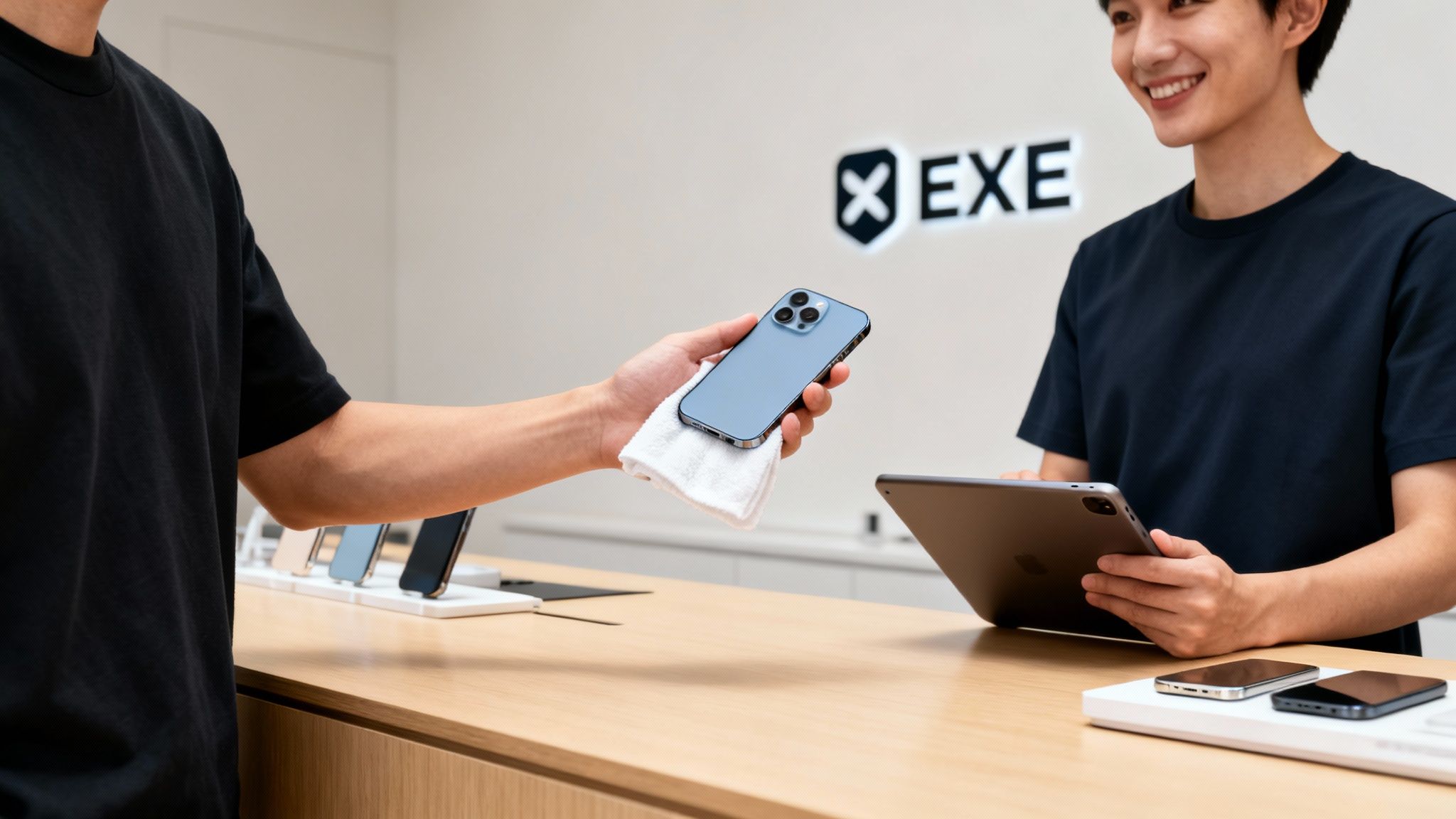
Even though you’ve performed a factory reset, we don’t take any chances. Every single phone that comes through our doors—whether from a household in Merstham or a business in Reigate—goes through another professional data wipe. Our technicians use a GDPR-compliant process to ensure not a single fragment of your old data remains. It’s our double-check to make absolutely certain your information is gone for good.
This two-step approach means your privacy is 100% protected.
Selling your phone shouldn't feel like a risk. Our process is built on trust, and that starts with guaranteeing your data is handled with the highest level of security. We treat every device as if it were our own.
Secure data deletion is more important than ever. In the UK, smartphone revenue is projected to shoot up from USD 17,306.8 million in 2024 to USD 22,972.6 million by 2030. Considering iPhones hold a staggering 75% platform share with over 28 million active devices, knowing how to properly delete your data is a vital skill. You can learn more about these iPhone usage trends and what they mean for the market.
From Wiped Phone to Instant Payment
As soon as we’ve confirmed the device is completely wiped and it passes our quick evaluation, we get you paid. Instantly. We’re proud to offer fair, competitive prices that often beat what you’ll be offered on the high street or by the big national recyclers.
We’ve made the whole thing as painless as possible:
- Get a Quote: Start with a free, no-strings-attached quote online.
- Arrange Collection: We offer a handy collection service around our Redhill base.
- Get Paid: After a swift check of the phone, the money is transferred directly to your bank.
Ready to find out what your securely wiped iPhone is worth? The final step is just a click away. Fill out our straightforward sales form for an instant quote and turn that old phone into cash today.
A Few Common Questions We Hear All the Time
Wiping a device that holds so much of your personal life can feel a bit nerve-wracking. We get it. Over the years, we’ve heard just about every question you can imagine, so we’ve put the most common ones here to set your mind at ease.
Is ‘Erase All Content and Settings’ Really Enough?
Yes, it absolutely is. Modern iPhones come with incredibly strong hardware-level encryption built right in. When you hit ‘Erase All Content and Settings’, you’re essentially deleting the unique encryption key that unlocks all your data.
Without that specific key, all your photos, messages, and personal files are just a nonsensical scramble of digital code. For a potential thief, it’s like having a book written in a language no one can translate – it’s practically impossible to recover anything meaningful.
Just for your total confidence, every single device sold to us at EXE gets a second, certified data wipe as standard. It’s our guarantee to you that your data is gone for good, so you have nothing to worry about.
What if My iPhone Screen is Broken?
This happens more often than you’d think, but you’ve still got options. If you've ever synced your iPhone with a computer in the past, you can usually use Finder (on a Mac) or iTunes (on a Windows PC) to erase it, even with a busted screen. Simply connect your phone and follow the prompts to restore it to its factory settings.
If that doesn't work, don't sweat it. Our expert technicians right here in Redhill are masters at dealing with tricky situations like this. We buy broken phones all the time and have the specialist tools to securely wipe them for you, making sure every last bit of your data is professionally and permanently destroyed.
You'd be surprised how many people think a smashed screen means their data is trapped forever. It's not! There are always secure ways to wipe a device, and we're here to help if you can't manage it at home.
Help! I Already Sold My iPhone but Forgot to Sign Out.
Okay, don't panic. This is fixable, and it’s a really important step to take as it deals with Apple’s Activation Lock—the feature that stops anyone else from using your phone.
Here’s what you need to do right now:
- Grab a computer or another device and log in to your account at iCloud.com.
- Head over to the ‘Find Devices’ section.
- From your list of devices, find and select the iPhone you sold.
- Click the ‘Erase iPhone’ option and follow the on-screen instructions.
- Once the erase is complete, a new option will appear: ‘Remove from Account’. You absolutely must click this.
That final click is the magic step. It completely severs the link between the iPhone and your Apple ID, freeing it up for the new owner to activate and use.
Does Taking Out the SIM Card Delete My Data?
Nope, not at all. Think of your SIM card as just your network ID—it mainly holds your phone number and connects you to your mobile provider.
All of your personal stuff—the photos, apps, contacts, and messages—is stored on the iPhone’s internal memory. While you should always remove your SIM card before handing your phone over, it does not wipe your data. Only a full factory reset will do that job.
At EXE, our goal is to make selling your old tech completely straightforward and secure. Whether your phone is pristine or has seen better days, we offer a fast, fair, and trustworthy service.
For an instant quote and to schedule a collection from our Redhill base, just fill out our quick form.
Get started now at https://www.exe.co.uk/#form.