


So, the time has come to upgrade your trusty MacBook. It's an exciting thought, but it always leaves that one big question: what on earth do you do with the old one? An Apple MacBook trade in is genuinely one of the best ways to handle it, turning a device you no longer need into cash while doing a bit of good for the planet.
It’s not just about clearing a space on your desk; it's about unlocking the value still locked inside that laptop.
Why Bother Trading In Your MacBook?
Let's be honest, it’s tempting to just stick the old MacBook in a drawer and forget about it. But that's a real waste. Tossing it out is even worse, adding to the growing problem of e-waste. This is where trading in comes in—it’s a smart move that benefits your pocket and the environment.
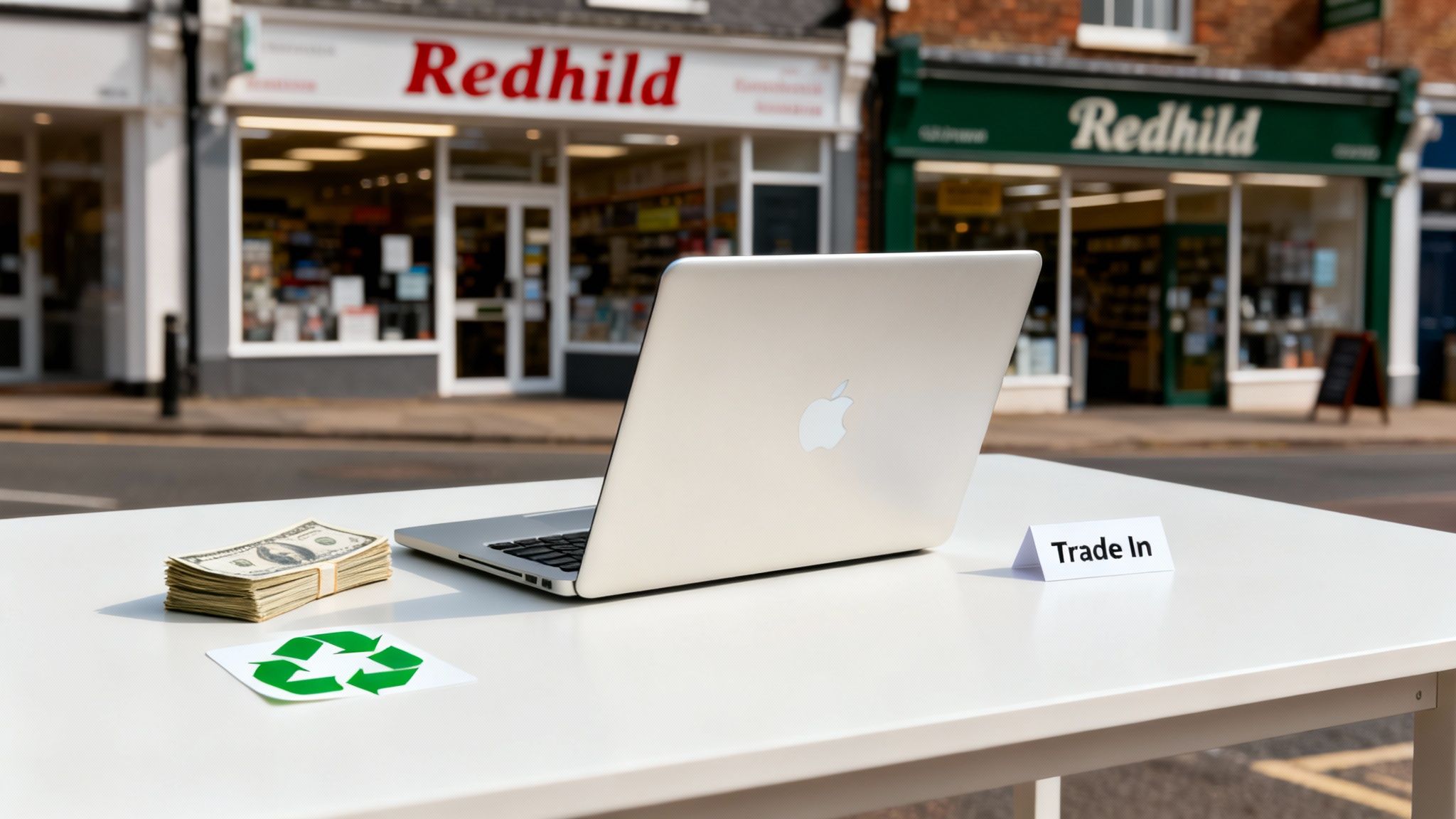
The idea is simple. Instead of letting your old machine gather dust, you exchange it for cash or credit. It’s a straightforward way to make your next big purchase a little easier on the wallet and give your old device a new lease of life.
The Real Perks of a MacBook Trade In
When you choose to trade in, you’re doing more than just getting a bit of cash for an old gadget. You're making a conscious choice to handle your tech more sustainably.
- Get Paid: This is the obvious one! You get to cash in on the value your MacBook still holds, which can go straight towards your shiny new model.
- Eco-Friendly: Trading in is a big plus for the planet. It feeds the circular economy, meaning fewer new raw materials are needed and one less electronic device ends up in a landfill.
- No Fuss: The whole process is designed to be as painless as possible, especially when you work with local specialists who know their stuff.
This isn't just a niche idea anymore; it's massive. In the UK alone, the market for trading in and refurbishing electronics was valued at a staggering €7.7 billion in 2023. This trend shows a real shift in how we think about our devices, with experts predicting a 50% jump in market turnover by 2025. It’s clear that people are actively looking for more sustainable options.
Trading in your MacBook is more than just a quick sale. It’s a savvy way to recover value, cut down on waste, and make your next upgrade feel even better.
For our customers here in Redhill, Merstham, and the surrounding Surrey towns, we’ve made the whole thing as simple as possible. At EXE, we think your trade-in experience should be quick, fair, and rewarding.
Curious to see what your old MacBook might be worth? You can get a fast, no-obligation quote by filling out our simple sales form.
Finding the Best Value for Your MacBook Trade-In
So, what’s your old MacBook actually worth? It’s the million-dollar—or rather, hundred-pound—question, isn't it? Figuring out the best place to trade in your device can feel a bit like navigating a maze, but it usually boils down to three main routes.
You can go straight to the source with Apple, try your luck with one of the big national recycling companies, or work with a local, hands-on expert. Each has its own appeal, whether you're after pure convenience, the highest possible payout, or just a more personal service. We've always found that a friendly, local approach—like ours here in Redhill—gives people a much clearer and more satisfying experience.
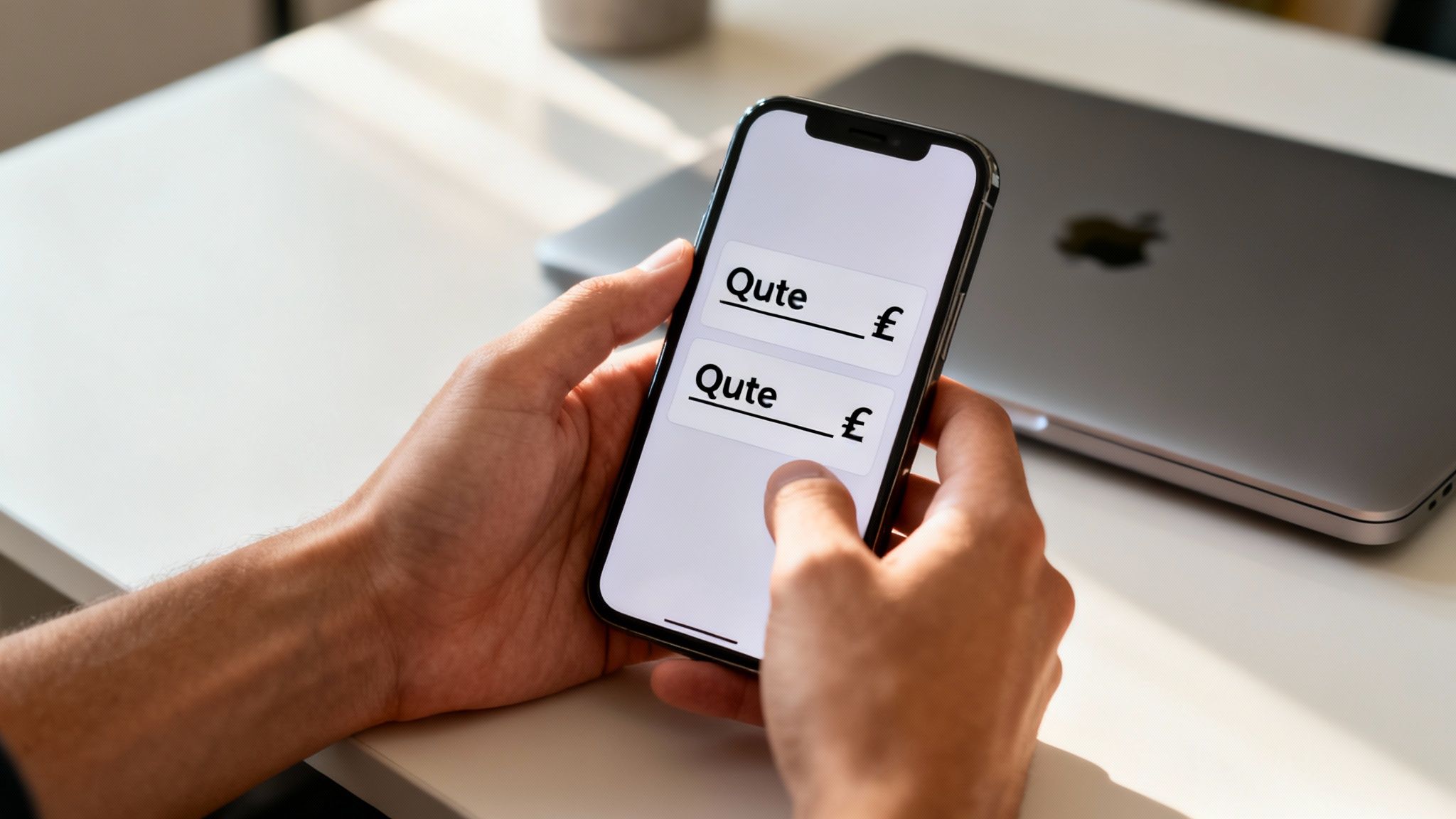
Where to Get Your MacBook Quote
Before you start hunting for quotes, you’ll need two bits of info: your MacBook’s exact model and its serial number. Easy peasy. Just click the Apple logo in the top-left corner of your screen and select ‘About This Mac’. Got it? Right, let's look at your options.
- Apple Trade In: This is the go-to if you’re already planning to buy a new Apple product. It’s quick, easy, and they’ll give you an instant gift card. The trade-off? The value they offer can sometimes be a bit less than you’d get from a specialist.
- Large Online Recyclers: You’ve probably heard of names like Mazuma or MusicMagpie. They’re a popular choice, but the initial quote you get online isn't always what you end up with. It can change after they’ve inspected it, and you have to factor in the hassle of packaging and posting your device.
- Local Specialists (Like Us at EXE): For anyone around Redhill, Merstham, or the surrounding areas, popping into a local shop is a game-changer. We can give your MacBook a proper, hands-on assessment right there and then. It means you get a fair, competitive offer without any of the guesswork or postage faff.
Our Take: When you deal with a local specialist, you’re often speaking directly to the person who is valuing your device. That direct line of communication makes the whole process faster, more transparent, and you know exactly who you're handing your tech over to.
Thinking about the bigger picture, maximising your MacBook's value is much easier when it's part of a robust IT asset management strategy. This helps you track and maintain its worth right from the day you buy it.
Comparing Your MacBook Trade-In Options
Here's a quick look at the most popular trade-in routes in the UK to help you decide which is right for you.
Ultimately, the best path for your Apple MacBook trade in comes down to what matters most to you: speed, price, or sheer convenience.
If you’re ready for a competitive and honest quote right now, the simplest way to get started is by filling out our straightforward sales form.
How to Get the Most Cash for Your MacBook
Right then, let's get you the most cash possible for your old MacBook.
It’s not rocket science, but a few simple touches can genuinely make a big difference to your final payout. We see thousands of MacBooks come through our doors in Redhill, and it’s always the little details that separate a good offer from a great one.
Think of it this way: you’re not just selling a piece of tech; you’re selling the complete package.
First Impressions Really Do Matter
Honestly, condition is king. Before you do anything else, give your MacBook a good, gentle clean. A device that looks like it’s been loved will always fetch a better price than one that’s covered in dust and fingerprints.
Grab a soft microfibre cloth and carefully wipe down the screen, the keyboard, and the case. It takes five minutes, but it immediately bumps up its perceived value. When we see a clean machine, we think: "this person looked after their stuff."
Dig Out Those Original Accessories
Remember that original box you stashed away in the loft? Go find it. Same goes for the charger and cable that came with it. These things might seem trivial, but they add real, tangible value to your trade-in.
Having the original packaging and the proper MagSafe or USB-C charger makes the device far more attractive for its next owner. It signals a complete, well-kept product. It’s such an easy win, but you’d be surprised how many people forget this.
A MacBook with its original box and charger can often fetch 5-10% more on a trade-in quote. It's a small detail that adds up to real cash in your pocket.
A Healthy Battery is a Happy Wallet
Looks are one thing, but what’s going on inside is just as important. The single biggest factor here is the battery's health. A low cycle count and a high maximum capacity? That’s music to a buyer's ears. A tired, worn-out battery, on the other hand, is probably the most common reason we have to adjust a quote downwards.
MacBooks hold their value incredibly well here in the UK, particularly the newer Apple Silicon models. A 2022 MacBook Air M2 in good nick, for example, can easily pull in between £600 and £800. But a weak battery can knock that offer down by as much as 20%. On the flip side, replacing a worn battery can often restore its full value, a trend that’s part of a bigger shift towards sustainability in the European recommerce market. If you're interested, you can read more about MacBook buyback trends.
Before you start getting quotes, check it yourself. On macOS Ventura or newer, just head to System Settings > Battery and check the Battery Health. You're looking for it to say "Normal".
Our team here in Redhill gives every single device a proper, hands-on assessment. We look at all these details to make sure our offer is fair and competitive. Ready to see what your well-prepped MacBook is really worth? Get a free, no-fuss quote by filling out our quick sales form today.
Getting Your MacBook Ready for a Safe and Secure Trade-In
Before you part ways with your old MacBook, there are a few essential steps to take. This isn't just about ticking boxes; it's about protecting your personal data and ensuring a smooth handover. Honestly, getting this part right is the most crucial bit of the whole process.
Don't worry, it's not nearly as technical as it sounds. We'll walk you through the three key jobs: backing up your precious files, signing out of your accounts, and wiping the machine completely clean.
Taking these precautions means the next owner has absolutely no access to your digital life, which is non-negotiable in this day and age. With things like the rising threat of infostealer malware out there, a proper data wipe is more important than ever.
First, Create a Full Backup of Your Files
Right, first things first. Let’s get everything you want to keep saved somewhere safe. You’ve probably got years of photos, important documents, and maybe even work projects on there. Losing them would be a nightmare.
The simplest and most reliable way to do this is using Time Machine, which is already built into your Mac.
Just grab an external hard drive and plug it in. In most cases, your Mac will immediately ask if you want to use that drive for Time Machine. Say yes, and it’ll get to work creating a perfect, restorable copy of your entire system. This is brilliant because when you set up your new Mac, you can restore from this backup and have everything back exactly where you left it.
Next, Sign Out of All Your Accounts
Once your data is safely tucked away on your external drive, it's time to digitally disconnect your MacBook from your life. This is a critical step for your privacy.
- Deauthorise iTunes/Music: Pop open the Music or TV app and head to Account > Authorisations > Deauthorise This Computer.
- Sign out of iCloud: This is the big one. Go to System Settings > [Your Name] and scroll all the way down to hit Sign Out. This severs the link to your photos, contacts, calendars, and, importantly, the Find My service.
- Sign out of iMessage: Open the Messages app, go to Messages > Settings > iMessage, and click Sign Out.
Taking a few moments to do this manually is your best line of defence. It’s a simple but powerful checklist that ensures none of your personal accounts are left tied to the machine before you wipe it.
Finally, Completely Erase Your MacBook
With everything backed up and all accounts signed out, you’re ready for the final, satisfying step: erasing all your data for good.
Thankfully, Apple has made this incredibly straightforward on modern Macs with a feature called 'Erase All Content and Settings'. It securely wipes your drive and reinstalls a fresh copy of macOS, leaving no trace of your information.
On macOS Ventura or newer, you’ll find it by going to System Settings > General > Transfer or Reset. Click 'Erase All Content and Settings' and just follow the prompts. Your MacBook will be back to its factory state, completely anonymous and ready for its new home.
This visual guide shows the key areas that determine your MacBook's final trade-in value, including its condition and accessories.
As the infographic shows, the physical condition of your MacBook, having the original accessories, and decent battery health are the big three when it comes to getting the best price.
Once these steps are done, your device is fully prepped for a secure and profitable trade-in. If you happen to be near Redhill, Merstham, or the surrounding areas, feel free to bring it straight to us. To get started, just fill in our quick sales form.
So, How Do You Get Your Cash?
You’ve got your quote, your MacBook is all prepped and ready to go – now for the best part. Let's walk through the final stretch: getting your old laptop to us and turning it into actual cash in your bank account.
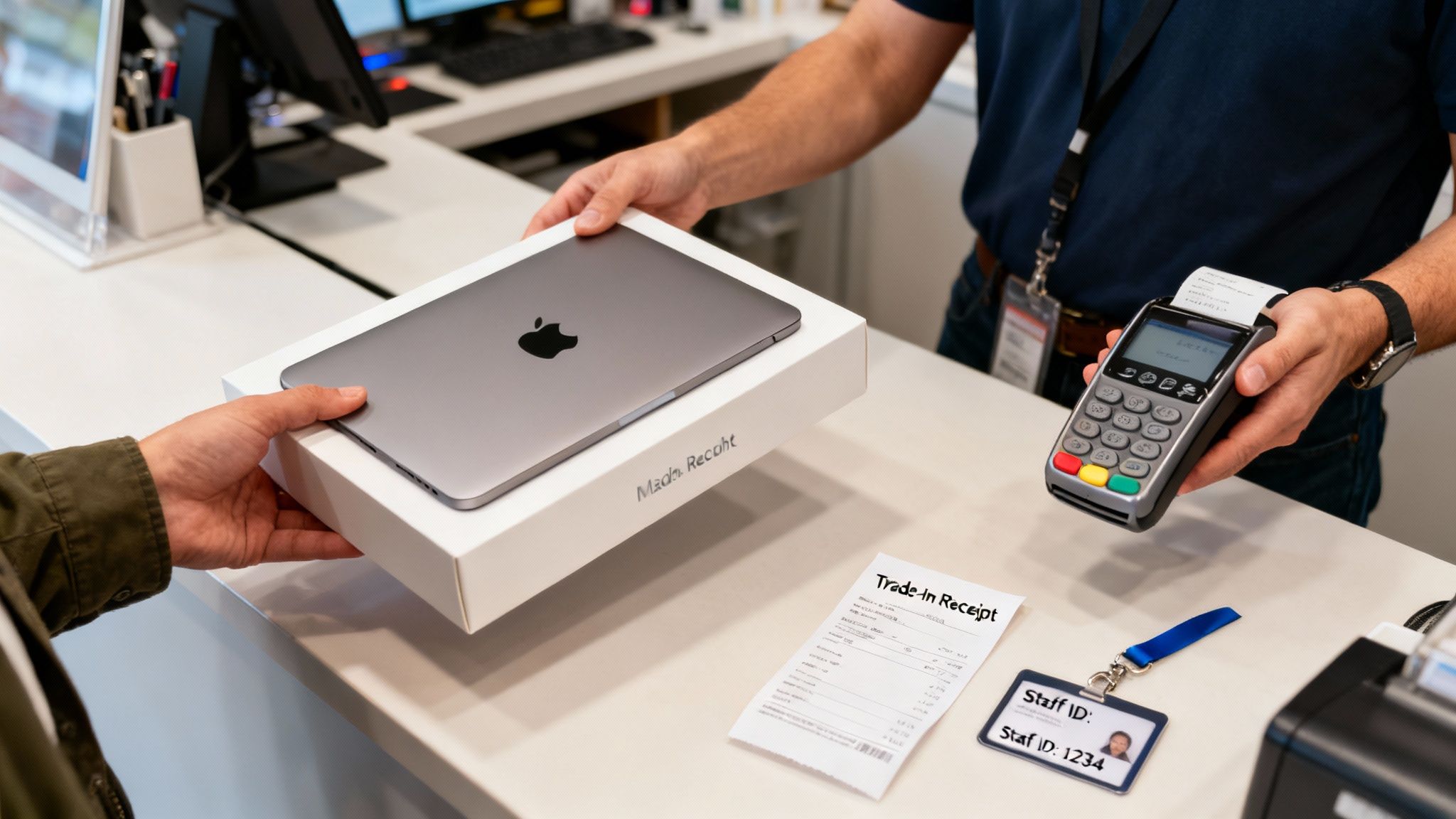
Whether you're popping it in the post or dropping it off in person, a smooth and secure handover is what we're aiming for. These last few steps are just as crucial as the prep work.
Getting Your MacBook to Us
You've got a couple of straightforward options here. If you're local to us in Surrey, the simplest way by far is to swing by our shop in Redhill. For anyone in nearby towns like Merstham, it’s just a quick trip, and the big plus is we can do the final checks and pay you right there on the spot.
For everyone else, posting your device is the way to go. We can't stress this enough: safe packaging is absolutely vital.
- Find a sturdy box: Please don't use the original Apple box as the outer packaging. It’s just not tough enough. Grab a slightly larger, strong cardboard box.
- Wrap it well: Be generous with the bubble wrap. You want to create a snug cushion on all sides so the MacBook can’t shift about inside the box.
- Include the bits and bobs: Don't forget to pack the charger and any other accessories you told us about in your quote.
- Use a tracked service: Always, always send your parcel using a tracked and insured delivery service. It gives you complete peace of mind.
Honestly, damage in transit is the number one reason a quote gets revised down at the last minute. Taking ten extra minutes to pack it properly is well worth the effort.
Verification and Getting Paid
As soon as your MacBook lands with us, our technicians give it a final look-over. We’re just making sure its condition matches the details you gave us. This is also when we handle the legal bits, like checking your ID.
You might wonder why we need ID, but it's a standard and necessary part of any legitimate trade-in service. It’s there to protect both of us, helping to prevent fraud and ensure all devices have been sourced legitimately. Think of it as a simple step that adds a crucial layer of security to the whole process.
Once the inspection is done and everything checks out, we get your payment sorted. At EXE, we really pride ourselves on being quick. If you drop your device off in person at our Redhill shop, we often make an instant bank transfer before you’ve even left. For postal trade-ins, you can expect the money to hit your account very shortly after our final checks are complete.
Our goal is to make the end of your Apple MacBook trade in as transparent and rewarding as the beginning. Ready to finish the job? It all starts with a quick, no-obligation quote from our sales form.
Got Questions About Your MacBook Trade In? We’ve Got Answers
It’s completely normal to have a few questions before you trade in your old MacBook. In fact, we encourage it! After helping hundreds of people from Redhill, Merstham, and all over Surrey turn their old tech into cash, we’ve pretty much heard them all.
This is all about making sure you feel confident and happy with the process, so let’s tackle some of the most common queries we get day in and day out.
What if My MacBook Is Broken or Faulty?
This is easily the question we get asked most. It’s a common myth that a cracked screen, a battery that won’t hold a charge, or a few dodgy keys make your MacBook worthless. Thankfully, that’s just not true.
Sure, it will affect the final price, but we and other specialists often still buy them. These devices are full of valuable components that can be recovered and given a new lease of life, so you can still get a decent payout. The key is to be upfront about any faults when you get a quote – that way, the price you’re offered is the price you’ll get. Find out what yours is worth on our sales form.
How Long Does It All Take?
The timeline really depends on where you go. If you post your device to one of the big national recycling sites, you could be waiting a week or more from the day you send it off to the money landing in your account.
But if you pop into our shop here in Redhill, we can have the whole thing sorted in as little as 15-20 minutes. We’ll take a look at your MacBook, confirm the quote we gave you online, and make an instant bank transfer right there and then. It’s genuinely the quickest way to get paid.
Do I Need to Bring ID?
Yes, you will. This isn't just red tape; it's a crucial security step that any reputable trade-in business will insist on.
Asking for proof of identity protects everybody. It verifies that the MacBook is legally yours to sell and acts as a powerful deterrent against the trade of stolen goods, which keeps the entire second-hand market safer for everyone. Think of it as a sign you're dealing with a professional, trustworthy outfit.
It always surprises people when we tell them their broken MacBook still has value. At EXE, we specialise in assessing devices in any condition, so never assume it’s worthless before you’ve had it checked out.
The UK market for used Apple gear is buzzing. As Apple continues to report strong sales – with Mac revenue recently hitting a massive $11.2 billion worldwide – more people are upgrading and fuelling a healthy trade-in cycle. We see this firsthand, with recent MacBook models often fetching between £200 and £600, depending on their spec and condition. You can get a sense of just how big the UK electronics trade-in market has become from recent industry reports.
Is My Personal Data Really Safe?
One hundred percent, as long as you follow the preparation steps correctly and choose a partner you can trust. Wiping your Mac using Apple’s built-in 'Erase All Content and Settings' function is incredibly secure.
For total peace of mind, we add another layer of security. Here at EXE, every single device that comes through our doors undergoes a full, GDPR-compliant data wipe as part of our standard procedure. This double-check guarantees your personal information is completely and permanently gone before it goes anywhere else.
Hopefully, that’s cleared things up! Our whole mission at EXE is to make the Apple MacBook trade in process simple, secure, and rewarding. If you want a fast, fair, and no-obligation quote from a local expert who knows their stuff, just fill out our quick form.
Get your free quote now at https://www.exe.co.uk/#form.