Video card for laptop: how to identify and document yours before selling
Identify your laptop GPU, record the exact model and condition, and prepare useful photos before asking EXE for an offer.
Quick answer
A laptop's “video card” is usually described as its graphics processor, or GPU. On Windows, open Device Manager and expand Display adapters. Write down every adapter shown; some laptops list both integrated and dedicated graphics. On a Mac, open System Report and check Graphics/Displays. Record the exact name shown, then check it against the laptop maker's specifications for your model. Clear photos and an honest description help a buyer assess the machine, but no single specification guarantees an offer.
Find the GPU on a Windows laptop
- Right-click Start and open Device Manager.
- Expand Display adapters. Write down the names exactly as shown. If there are two entries, record both rather than guessing which one is used for games.
- For a second view, search Windows for dxdiag, open the DirectX Diagnostic Tool and inspect its Display tabs. Microsoft explains both methods.
If Device Manager shows “Microsoft Basic Display Adapter”, Windows is using a generic driver. That label does not establish the exact GPU model. Check the laptop manufacturer's support information for its model before describing the graphics hardware in an enquiry or listing.
If the laptop has NVIDIA graphics and NVIDIA Control Panel is installed, its System Information view can show the graphics card and driver details. NVIDIA documents that view. You do not need to install a new utility just to make a first enquiry with EXE.
Find the graphics information on a Mac
Choose Apple menu → System Settings → General → About → System Report, then look under Graphics/Displays. Record what the Mac reports and the exact Mac model. Apple's System Information guide explains how to open the report. The information shown varies by model, so avoid translating a Mac GPU name into an unsupported desktop-card equivalent.
Record the details that matter
Write a short specification note before asking for an offer:
- Laptop make and exact model, including any model code you can verify.
- Each GPU name as shown by the operating system, with no guessed desktop equivalent.
- RAM and storage, checked separately from graphics memory.
- Condition, faults, repairs and whether the original charger is included.
- Any additional graphics details you can verify from the maker's specifications.
At EXE, we check the GPU in gaming laptops before listing them. The exact graphics configuration can materially affect our assessment, alongside the laptop's condition and other specifications. If you are unsure which adapter is the dedicated GPU, send us the names shown and let us check them.
Optional functional checks
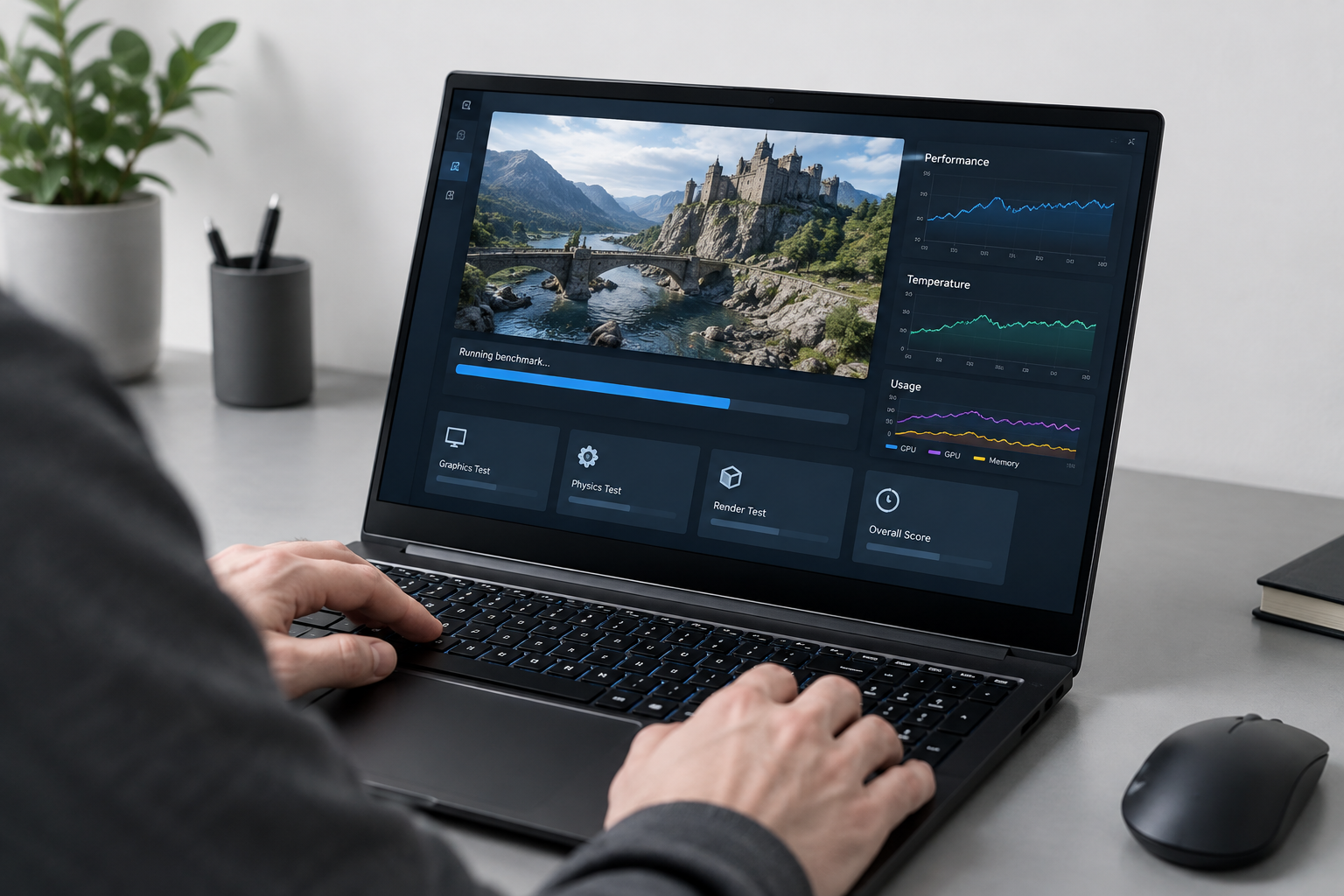
Use the laptop normally with its charger connected and note any visible problems, such as display artefacts, crashes or unusual fan behaviour. If you have already run a benchmark, share the test name, result and conditions accurately. A single run is only a snapshot; do not present it as proof of long-term reliability. You do not need to run a stressful test or produce a benchmark score to request an EXE offer.
Take useful photos without exposing private information
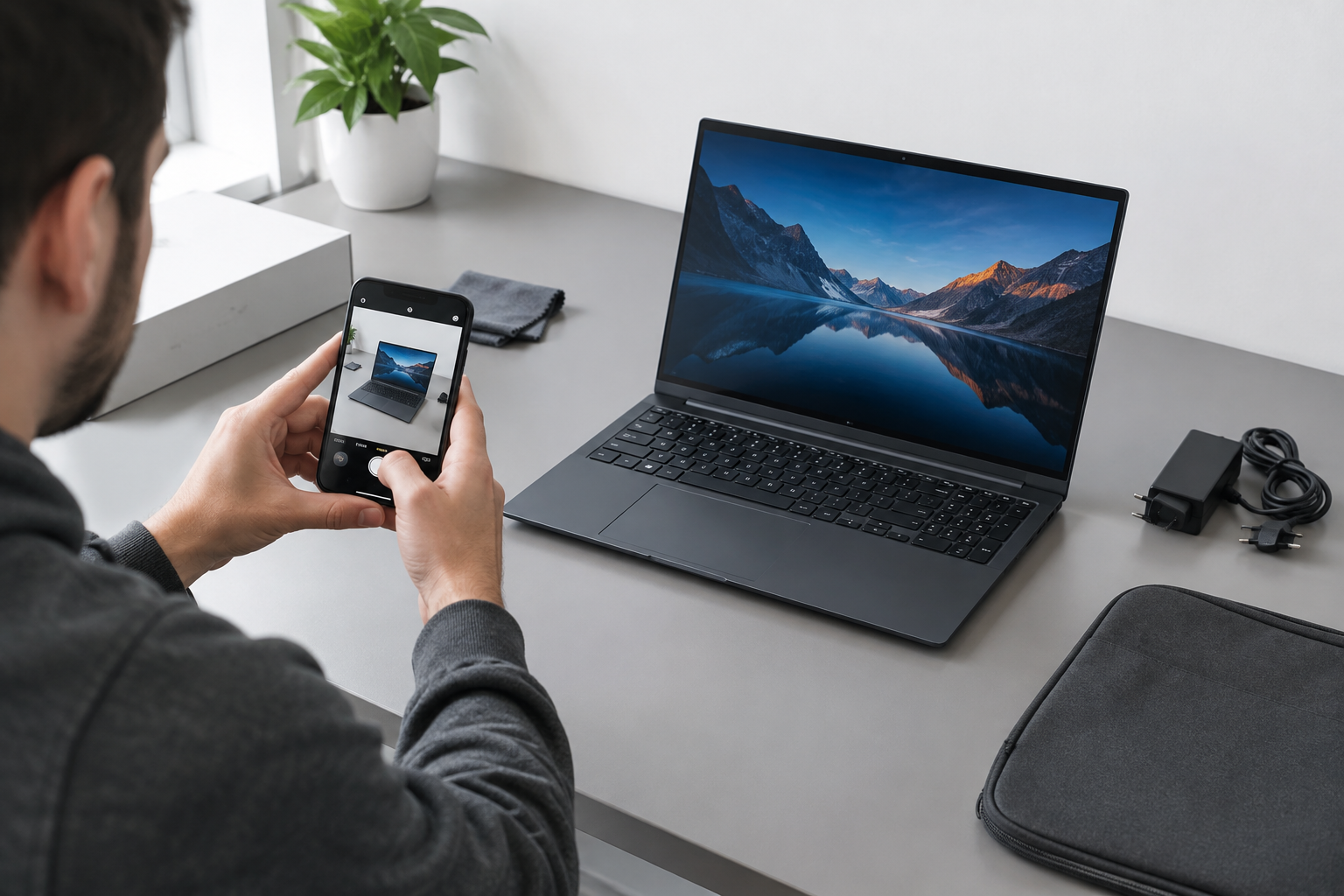
Photograph the lid, screen, keyboard, ports, charger and any damage in good light. A clear photo of the GPU name in Device Manager or System Report can help, provided it does not show personal files, account names or other private details. Keep your full serial number out of public listings; share it privately only if a buyer needs it for a specific check.
Send EXE a clear enquiry
Tell us the exact laptop model, the graphics names you found, condition, faults and included accessories. Attach clear photos if available. If you cannot identify the GPU, provide the laptop model and explain what Device Manager or System Report shows. You can request a laptop offer or use our gaming laptop enquiry page for a gaming model. Any offer is subject to EXE's inspection and verification.
Before you submit
- Copy the GPU name exactly as displayed.
- Record both adapters if the laptop shows two.
- Check the laptop's model and other specifications.
- Describe faults and accessories honestly.
- Review screenshots and photos for private information.
This gives EXE a sound starting point for an assessment without claiming more than you have checked.
Sources and further reading
- https://support.microsoft.com/en-us/windows/hardware/display-graphics/microsoft-basic-display-adapter-in-windows
- https://support.apple.com/guide/system-information/system-information-syspr35536/mac
- https://www.nvidia.com/content/Control-Panel-Help/vLatest/en-gb/mergedProjects/nvcplENG/Get_information_about_your_program_and_computer.htm