Sell my PS5: step-by-step guide to safely wipe, photograph and list your PS5
A practical, step‑by‑step guide to prepare your PS5 for sale: securely remove personal data, run simple working checks, take sale‑ready photos and write a clear listing to reduce disputes and get better offers.
Answer up front
If you want to sell your PS5 quickly and reduce follow‑up disputes, do three things first: securely wipe personal data, prove the console works with a few short tests, and take clear photos that show exactly what a buyer will receive. Below are short, practical steps you can follow today.
1. Decide how you’ll sell
- Trade‑in / local buyer: quicker, less hassle; offers vary. EXE is a UK used‑tech buyer in Redhill - sales start with a no‑obligation enquiry and any offer is subject to inspection.
- Marketplace (eBay, Facebook Marketplace, etc.): put more effort in but you control the price and can sell to the highest offer.
- Local meet‑up: avoid courier fees but use a public, safe location.
Choose the route that suits how quickly you need the cash and how much effort you want to put in.
2. Back up important data (short and essential)
- Move any saved game data you want to keep: use cloud saves if you have PlayStation Plus, or copy saves to external storage where supported.
- Transfer user account details or player progress if you plan to move to another console.
If you’re not sure which saves are stored locally vs in the cloud, check your account settings or consult PlayStation support — an editor should verify precise menu locations if needed.
3. Securely wipe personal data (what buyers expect)
- Sign out of your PlayStation Network account and deactivate the console as your primary PS5 account if applicable.
- Perform the console’s factory reset / initialise procedure to erase local accounts and settings.
Exact menu names and steps can change with system updates; if you need the precise sequence for your firmware version, check PlayStation’s official support pages or have the editor verify the latest instructions.
4. Simple working checks to prove condition
Do each test for a minute or two and record a short video where practical (helps resolve disputes). Tests to run:
- Power and boot: the console should power on and reach the home screen within a reasonable time.
- Controller pairing and charging: charge and pair one controller, show inputs registering on screen.
- Disc drive (Disc model only): insert and read a disc, or show the tray working — don’t send damaged discs.
- USB/HDMI ports: plug a controller or USB drive and show it recognised; confirm HDMI output displays on screen.
- Network: connect to Wi‑Fi and sign in to a free online service or run a quick network test.
- Fans and noise: note any unusual noises or high temperatures during a short play session.
Record or screenshot the home screen, storage screen (showing available space after reset if possible) and a short clip of a game or app loading — these make listings more convincing.
5. Photograph your PS5 for sale (what buyers want to see)
Use natural, even light and a clean background (grey desk and uncluttered white space work well). Take these shots:
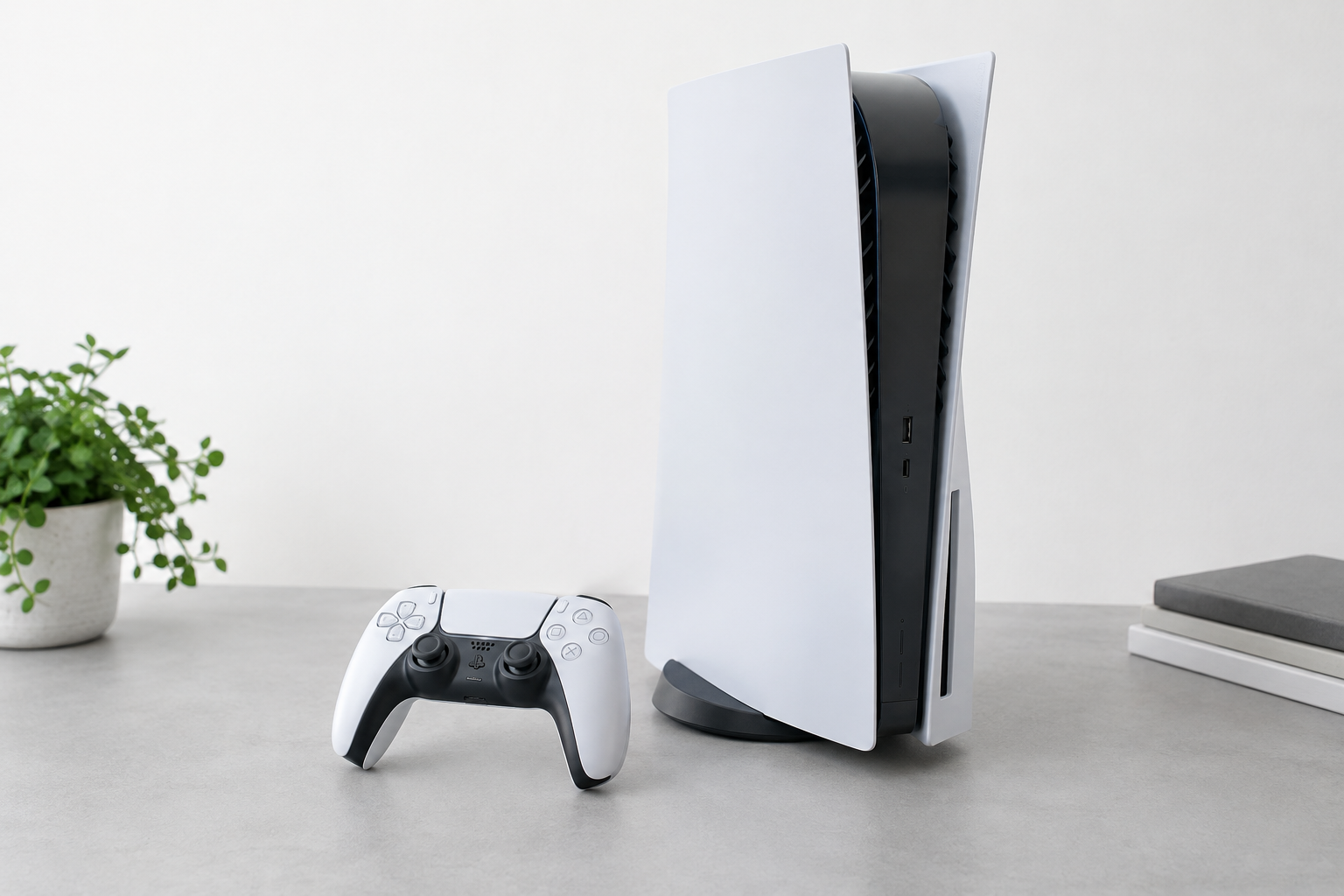
- Lead shot: the console from the front/three‑quarter angle, well lit.
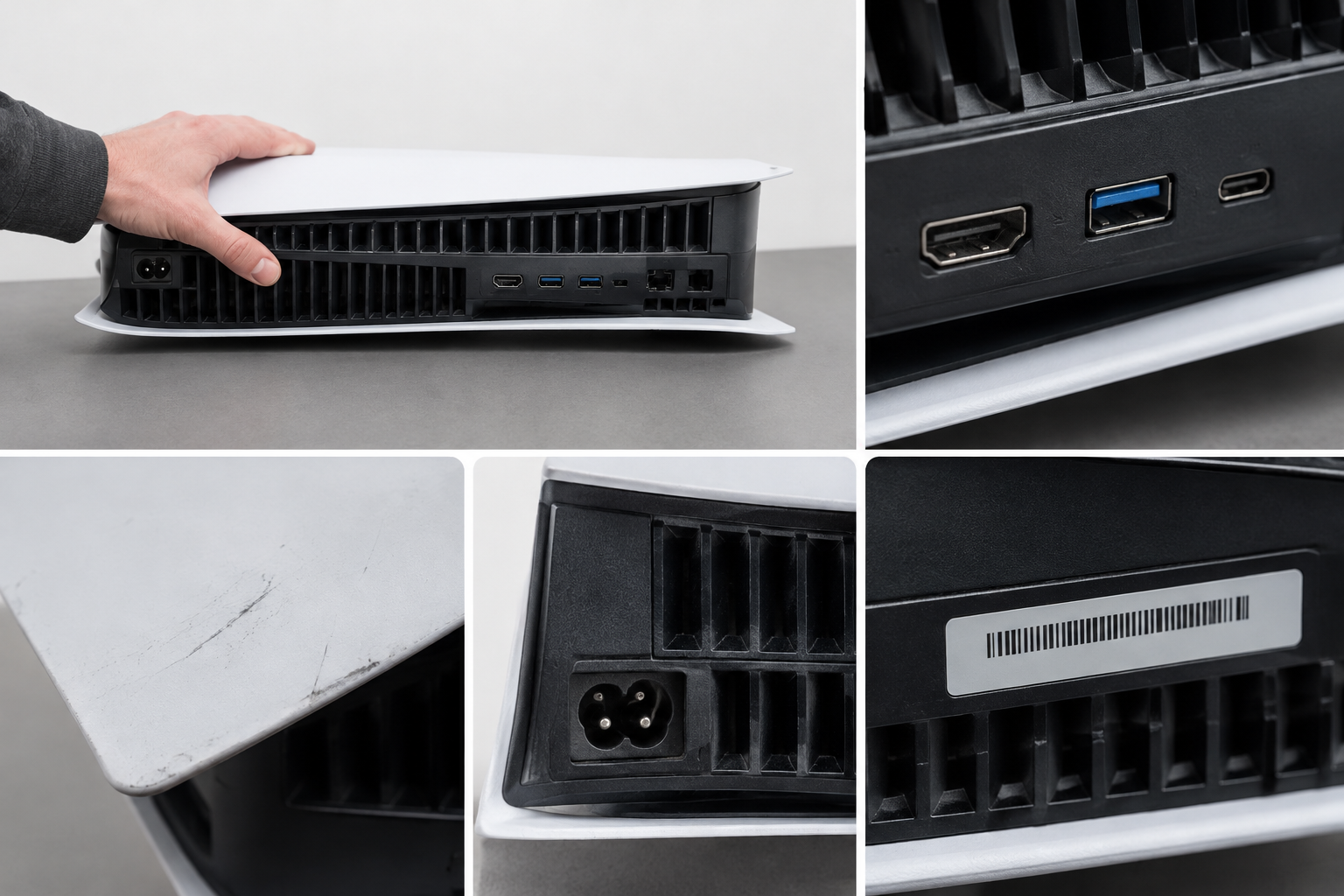
- Serial/identification: clear photo of the serial number sticker on the console (don’t crop it out).
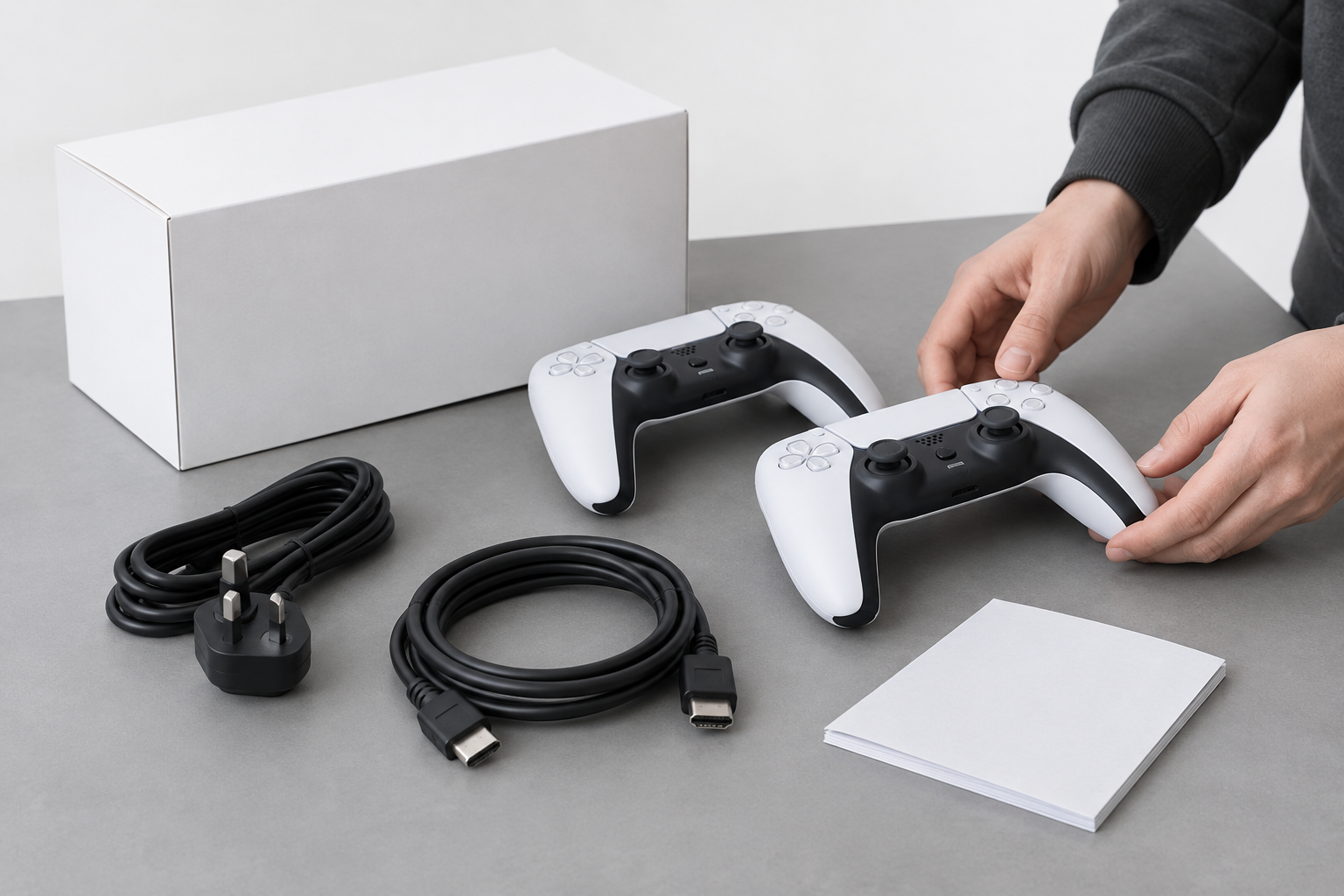
- Accessories and box: controllers, power cable, HDMI cable, original box and manuals if included.
- Damage close‑ups: any scratches, scuffs, dents or marks — show scale (a ruler or coin) and take multiple close shots.
- Ports and vents: clear images of USB/HDMI ports and ventilation to show cleanliness.
Photo tips: use a tripod or steady surface, take several images at each angle, and keep people’s faces out of the frame. Short video clips of the console booting or a controller working are even more persuasive.
6. Write an effective listing (clear, honest and short)
Structure your listing so buyers can scan it quickly:
- Title: include model (PS5 Digital / PS5 Disc), storage size and condition.
- Condition: honest description — “Good – light surface marks” or “Excellent – like new”.
- What’s included: number of controllers, cables, box, extra SSD (if included), any games.
- Work history: note any repairs (if applicable) and whether the console was used in a smoke‑free home.
- Tests performed: list the basic checks you ran (power, controller pairing, disc drive, HDMI output).
- Payment and postage: specify accepted payment methods, who pays postage and whether you’ll ship tracked/insured.
- Returns and faults: be clear about returns policy — many buyers expect “sold as seen” for used consoles unless you offer a short guarantee.
Good examples of short lines to include: “Factory reset and signed out of PSN. Power, controllers and HDMI tested. Serial shown in photos.”
7. Price and negotiating tips
- Check recent completed listings on marketplaces and local trade‑in quotes to set a realistic asking price.
- If selling locally, expect offers lower than online auction final prices because buyers avoid shipping and seller fees.
- If you need a quick sale, consider a trade‑in buyer like EXE (no‑obligation enquiry) — remember any written offer is usually subject to inspection.
8. Packing, shipping and safe handovers
- If shipping: use the original box if you have it, add padding (bubble wrap, foam), and secure the console so it cannot move. Insure and send tracked for higher‑value sales.
- If meeting in person: choose a public, well‑lit place (bank branch or busy café) and bring a friend if you’d like extra safety.
9. Paper trail to reduce disputes
- Keep photos and video of the reset, the working tests and packaging process until the sale is final.
- Save order numbers, postage tracking, and clear messages with the buyer about condition and inclusions.
Quick checklist before you list or send
- Backed up important saves? Yes / No
- Signed out of PSN and factory reset performed? Yes / No (verify exact steps on official PlayStation support if unsure)
- Controllers and cables tested and photographed? Yes / No
- Serial number photographed? Yes / No
- Short video of boot/working test recorded? Yes / No
Ready to get a no‑obligation quote? If you’d like a local appraisal, visit our console page: /console/
Notes for the editor
- Exact menu names and step‑by‑step locations for signing out, deactivating as primary console and performing a factory reset can vary with system software updates; please verify the current PlayStation support wording and update the instructions if you want precise menu paths.
Sources and further reading
- https://www.playstation.com/en-gb/support/hardware/restore-default-settings/
- https://www.playstation.com/en-gb/support/store/trade-in/
- https://www.ebay.co.uk/help/policies/selling-policies/selling-practices-policy?id=4346
- https://uk.support.webuy.com/support/solutions/articles/80001011645-what-do-i-need-to-do-before-selling-to-cex-
- https://www.argos-tradein.co.uk/trade-in/game-console